Episode 4
Mastering iPhone Photography
June 21st, 2018
31 mins 21 secs
Your Hosts
About this Episode
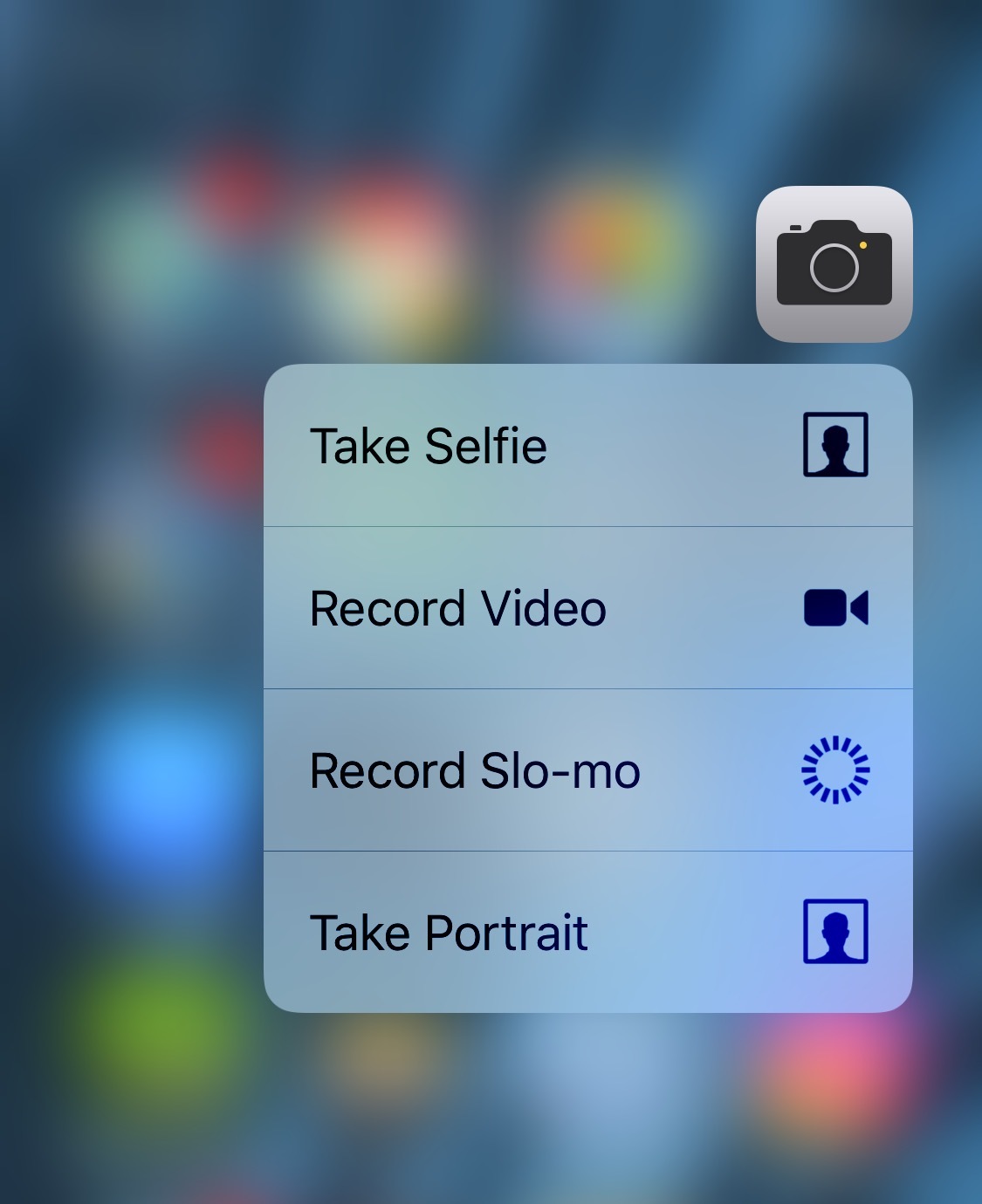
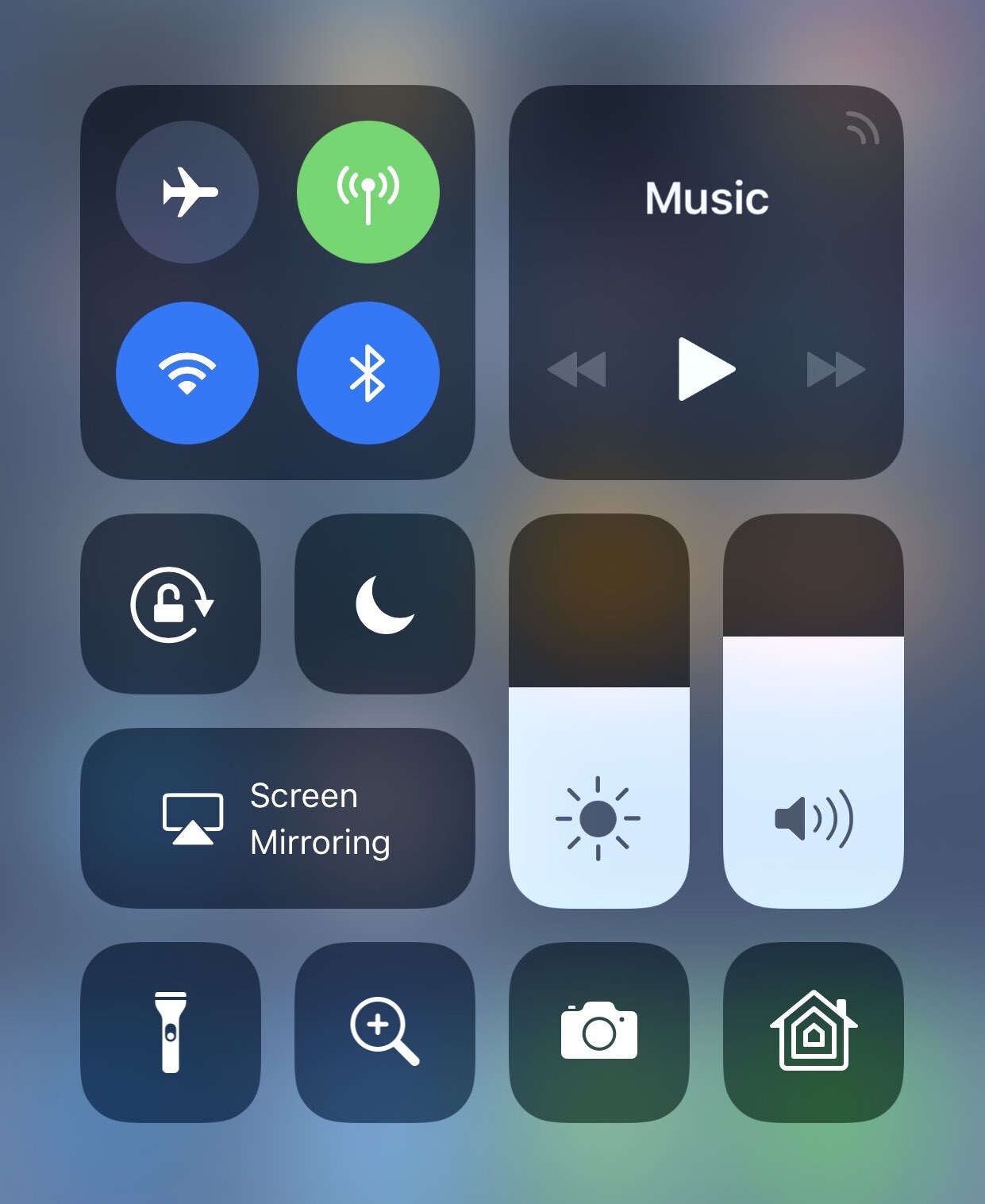
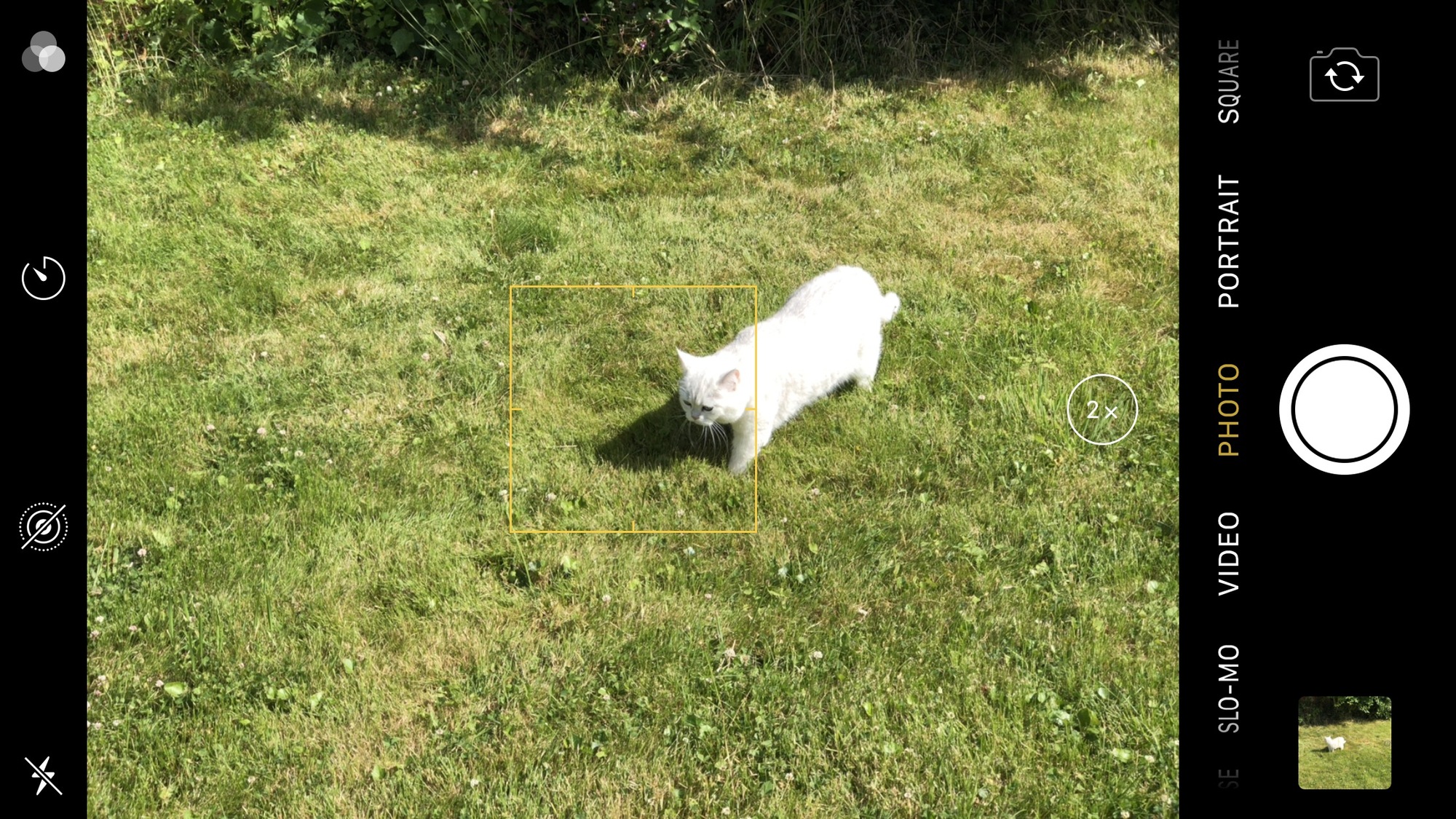
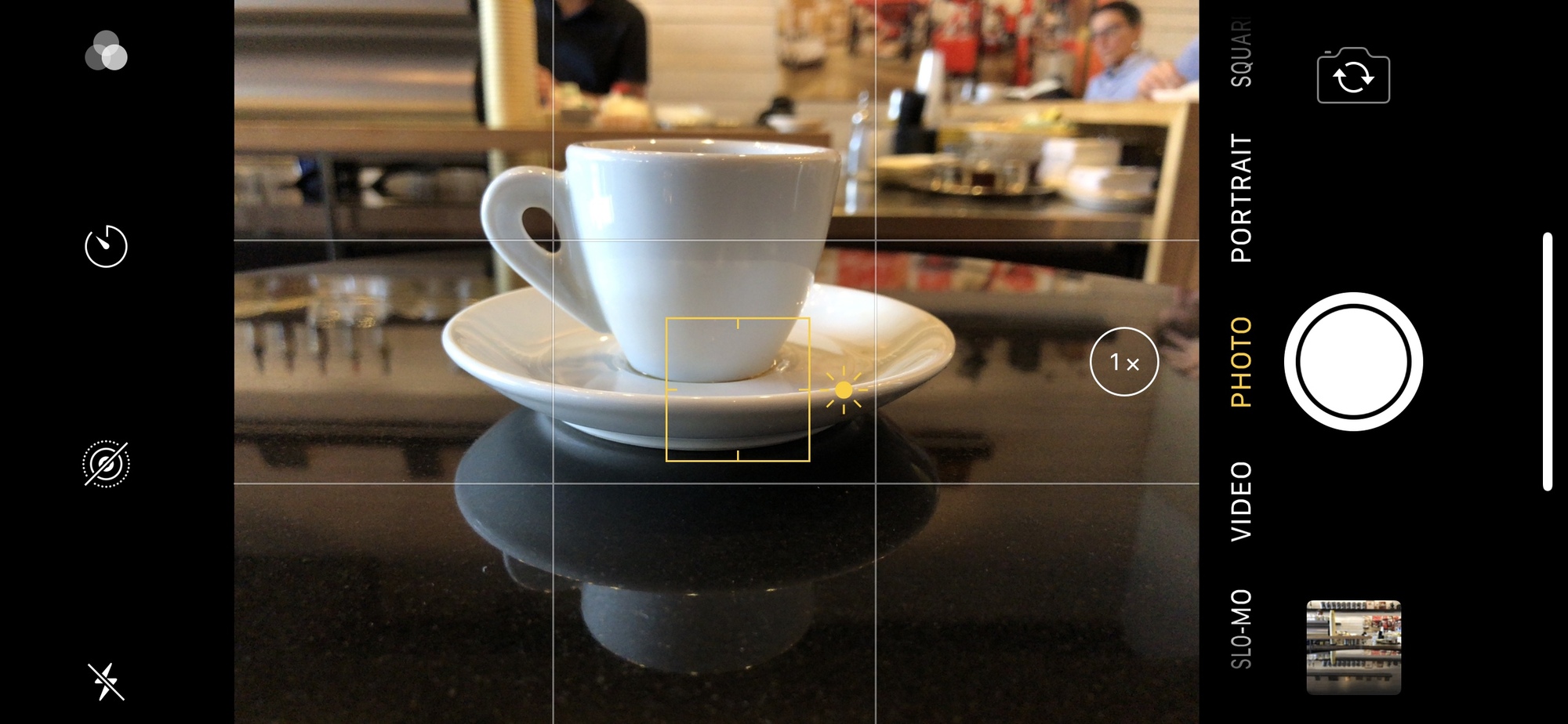
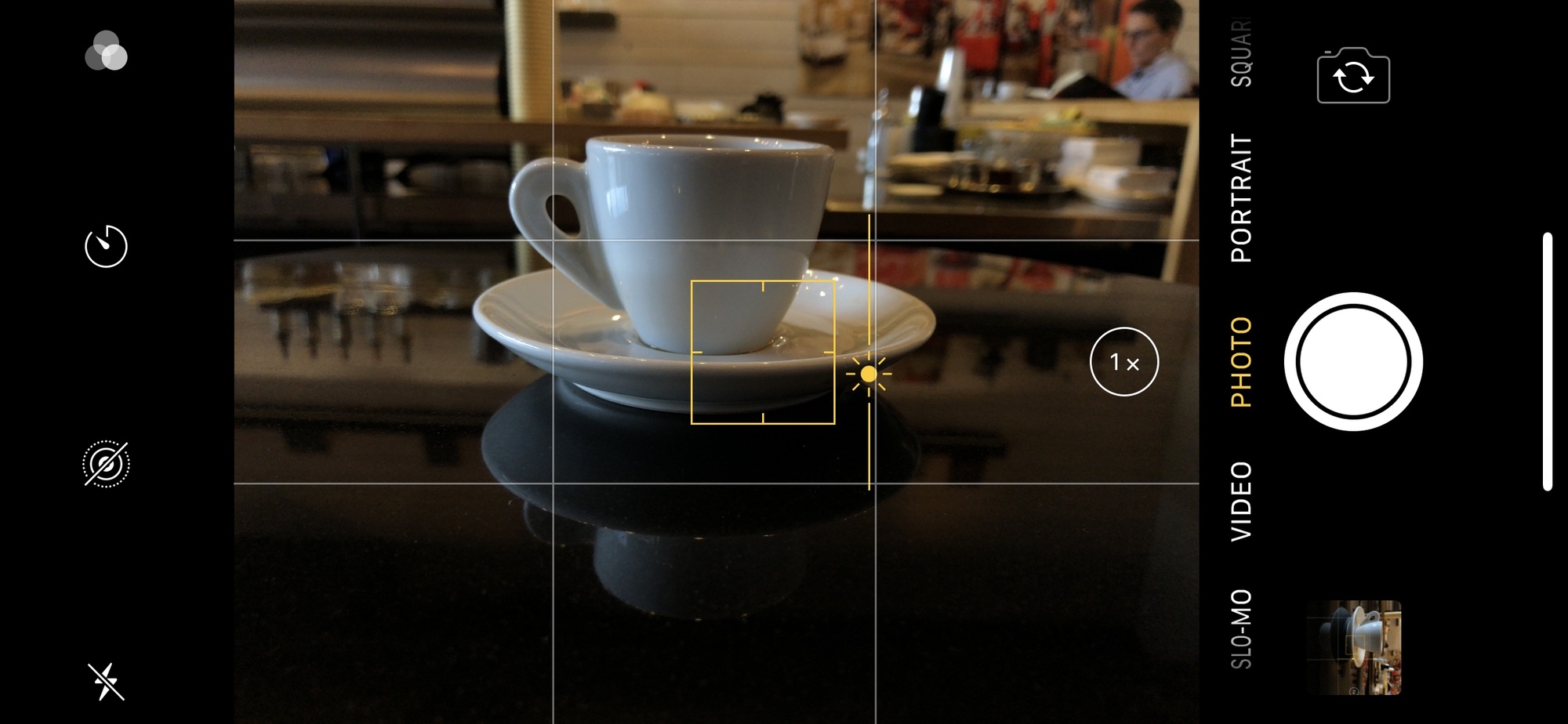
We talk about the many advanced features that the iPhone's camera contains, and explain some tips and shortcuts that can make your iPhone photos better.
Sponsor
Charcoal Book Club. Get 10% off a membership to regularly receive photo books. Go to www.charcoalbookclub.com and use the coupon code PHOTOACTIVE to get the discount automatically.
Hosts:
Show notes:
See the full show notes, including photos, screenshots, and more, here.
- Specs for each iPhone model
- Use Portrait mode on the iPhone
- Apple Doesn't Want Coders Messing With iPhone Buttons — Sometimes (article about the Camera+ app using the volume buttons to trigger the shutter)
- Take and edit Live Photos
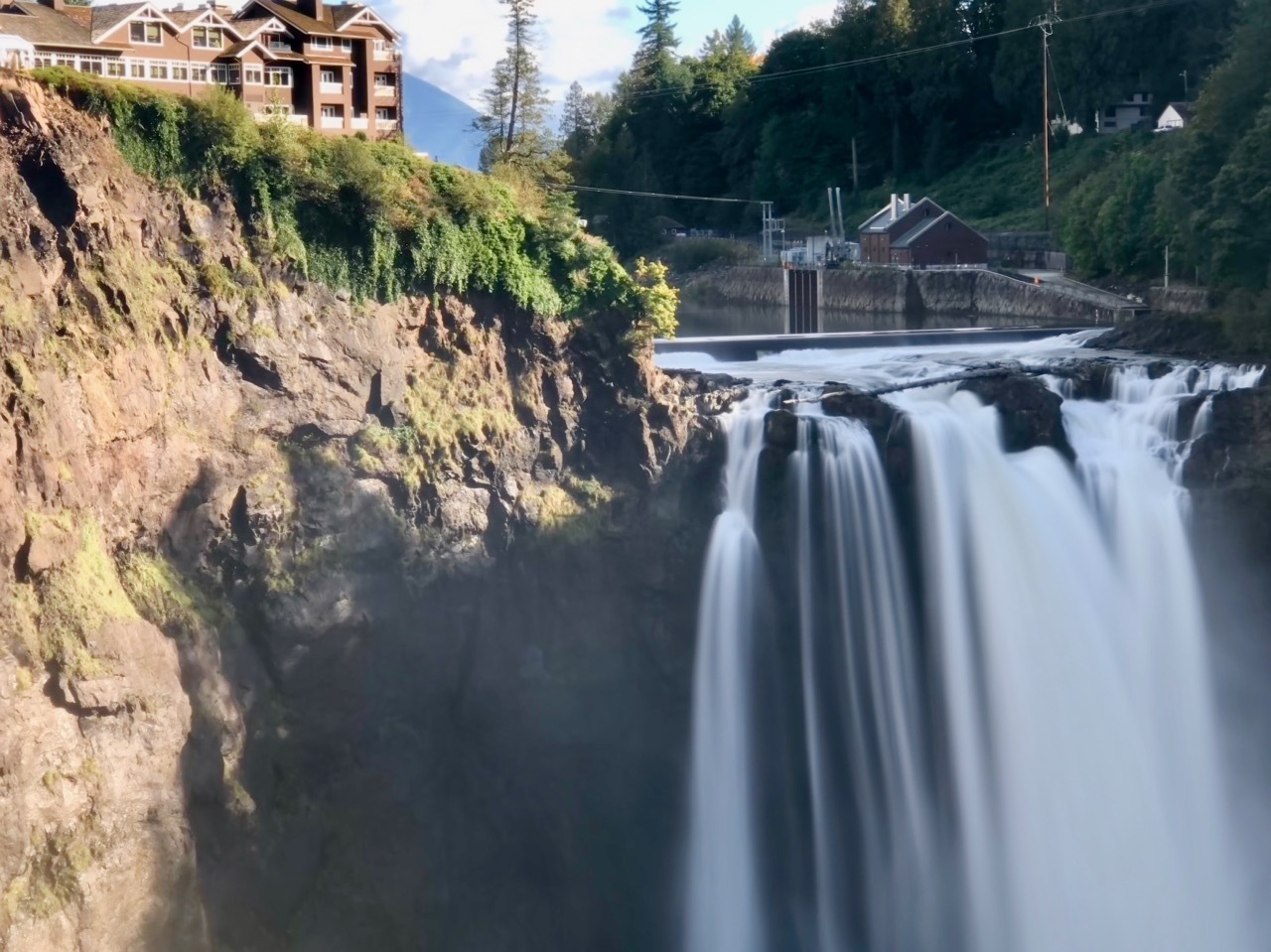
- Using Long Exposure in iOS 11's Photos App
- Jeff's iPhone 8 Plus sample gallery
- HDR is enabled by default on the iPhone 8 Plus, and that's a really good thing
- PhotoActive Facebook group; find the secret word you need to join the group at the end of the podcast.
Our snapshots:
If you like the show, please subscribe in iTunes or your favorite podcast app, and please rate the podcast. And don't forget to join the PhotoActive Facebook group to discuss the podcast, share your photos, and more.