Episode 84
Editing Shadows and Highlights
January 22nd, 2021
34 mins 9 secs
Your Hosts
Tags
About this Episode
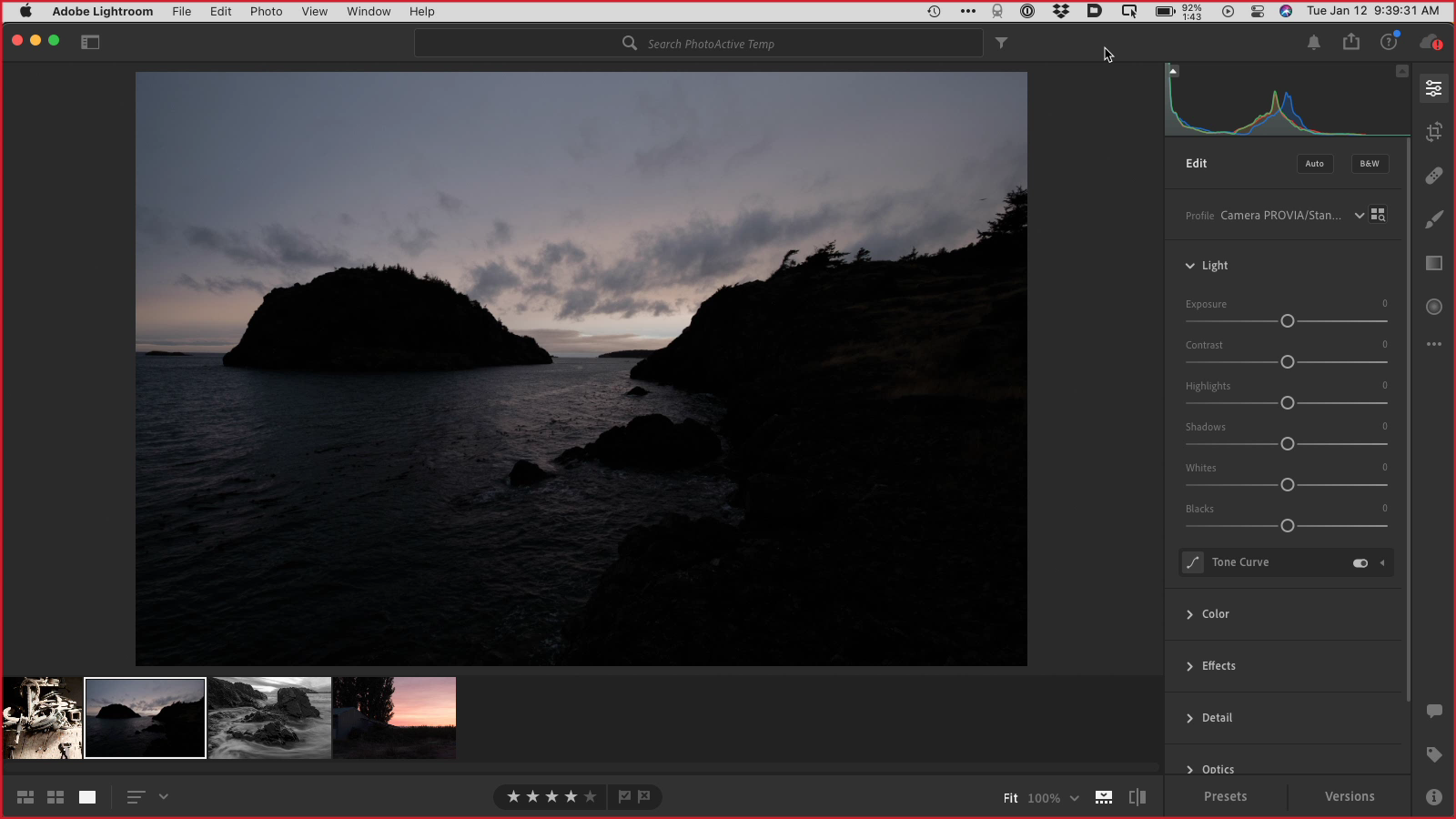
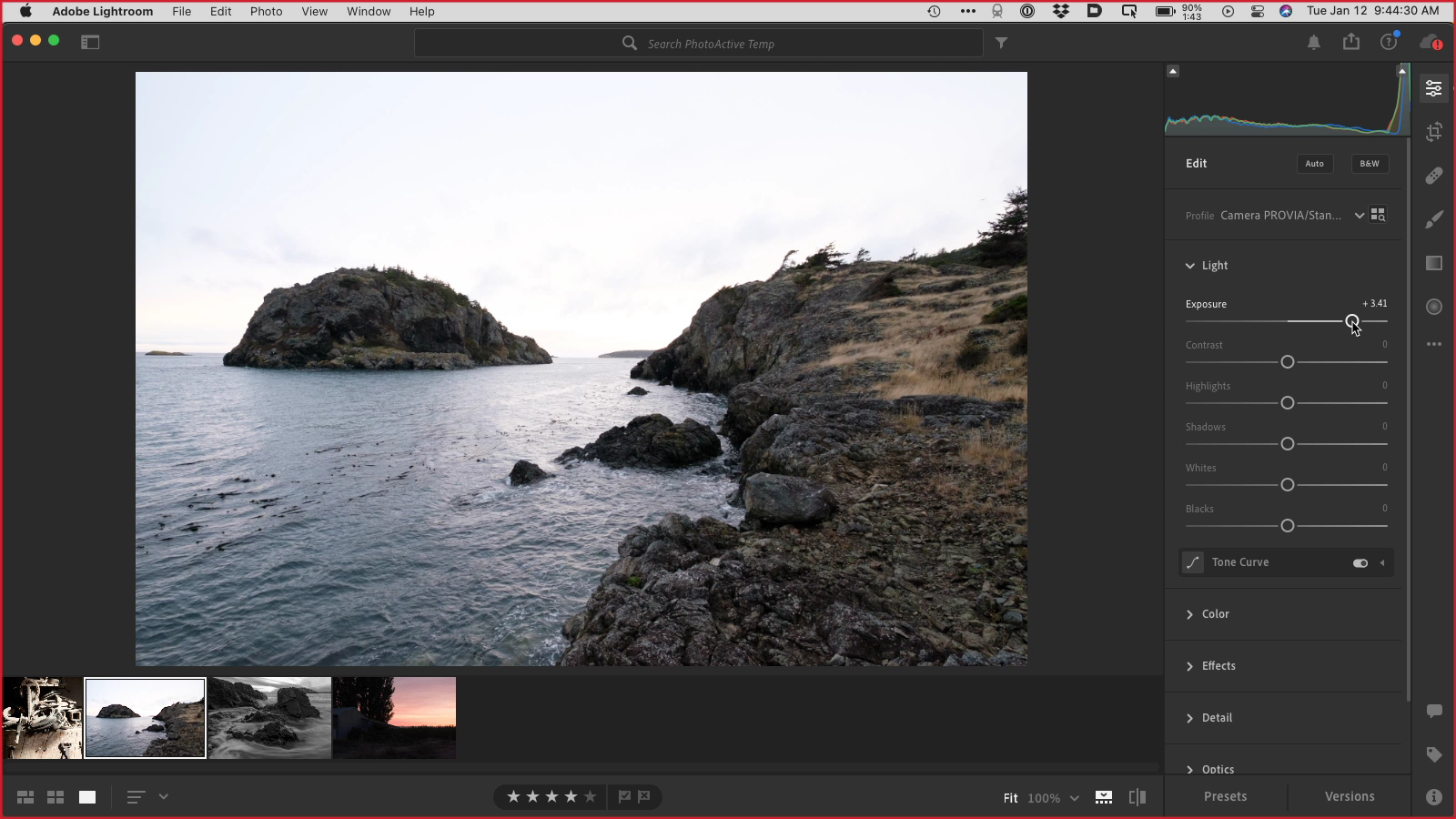
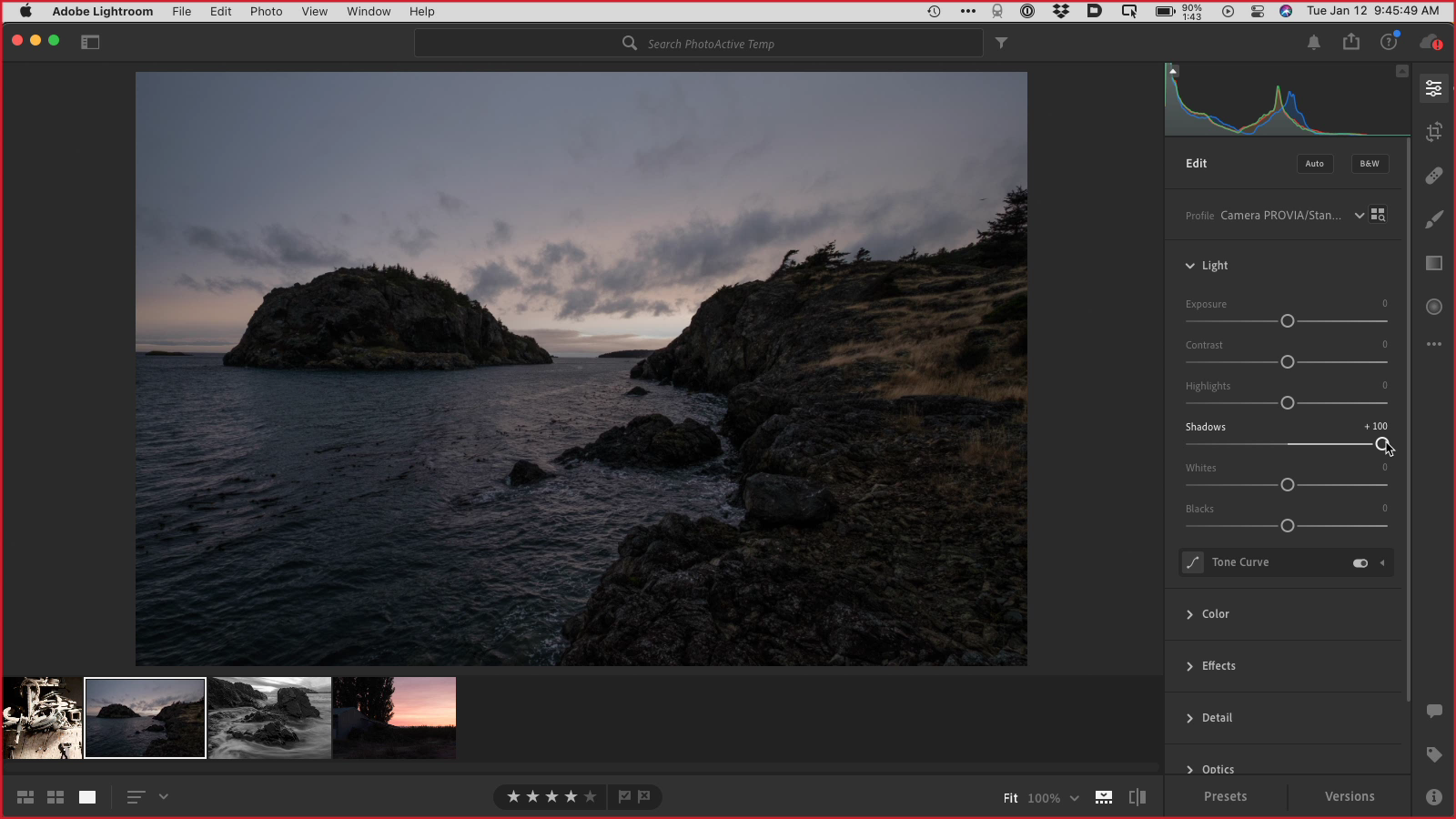
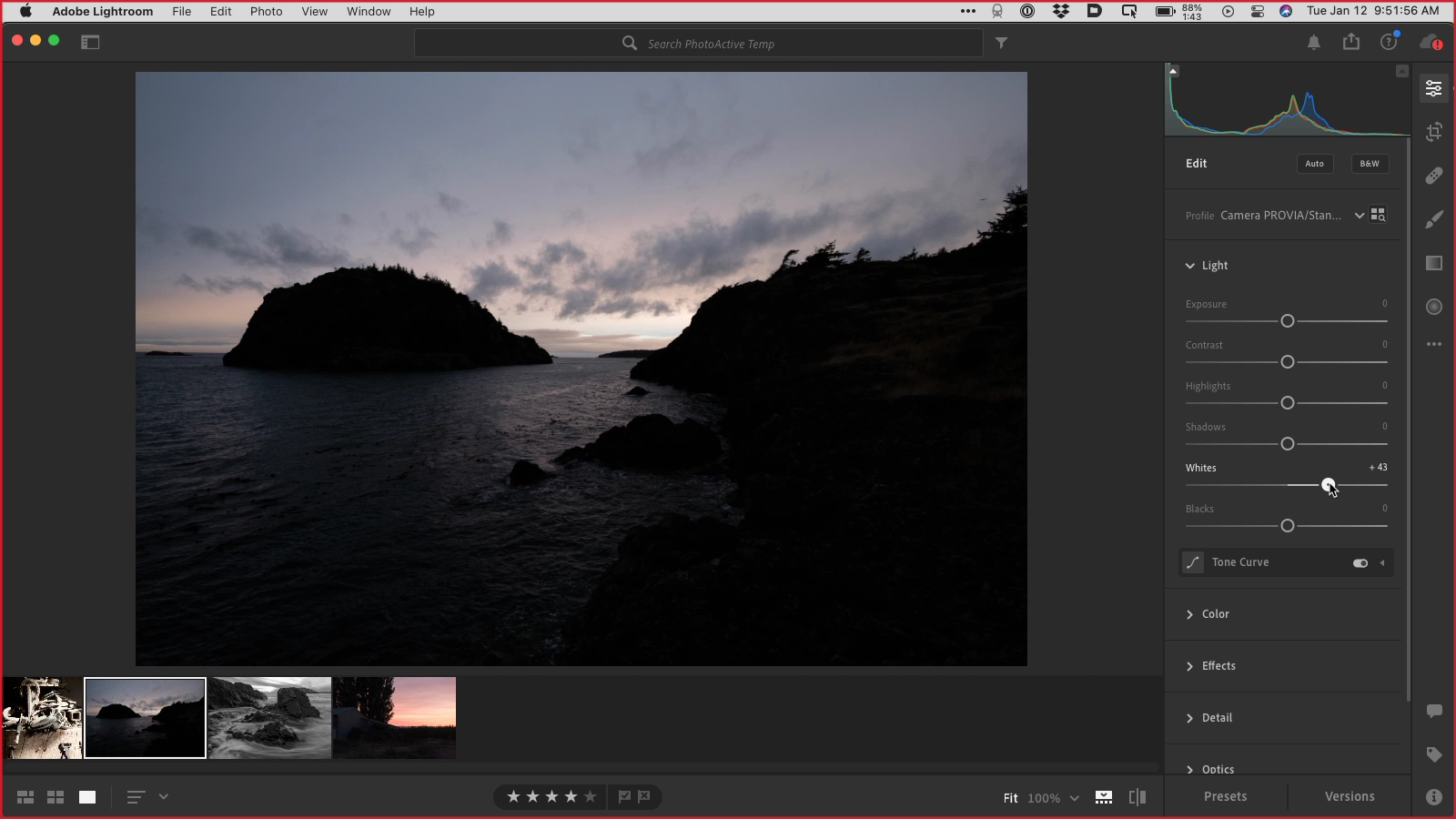
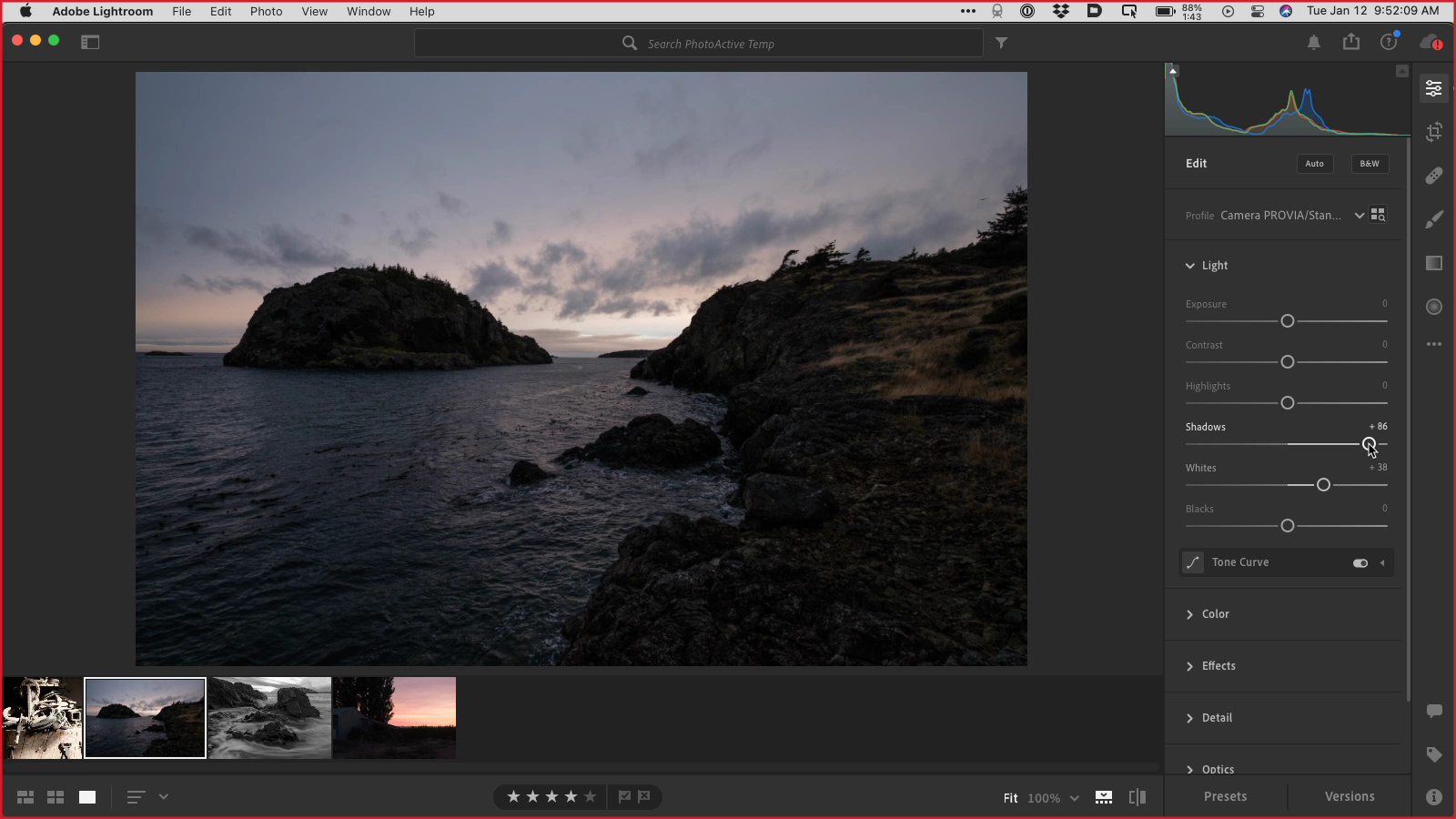
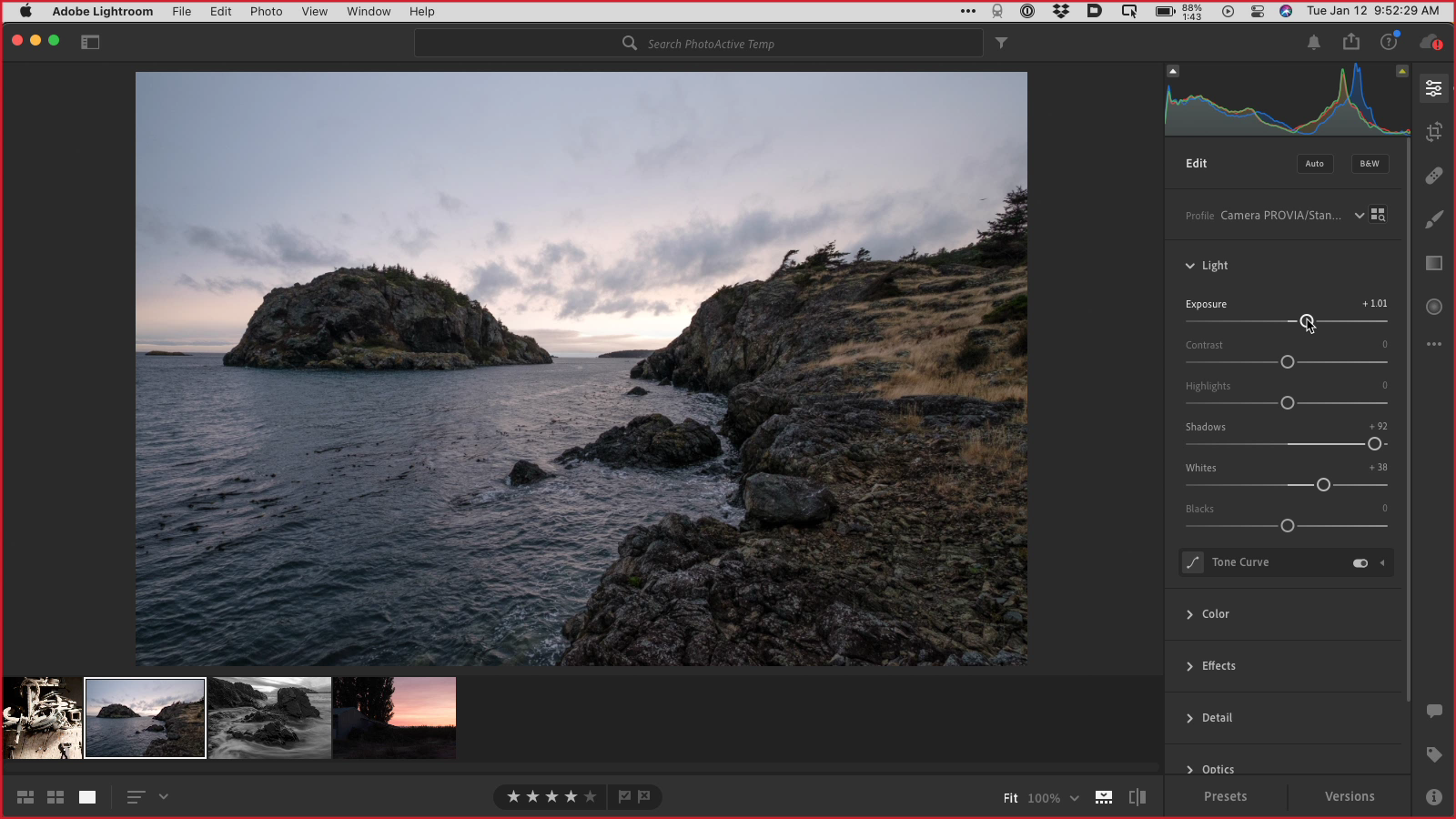
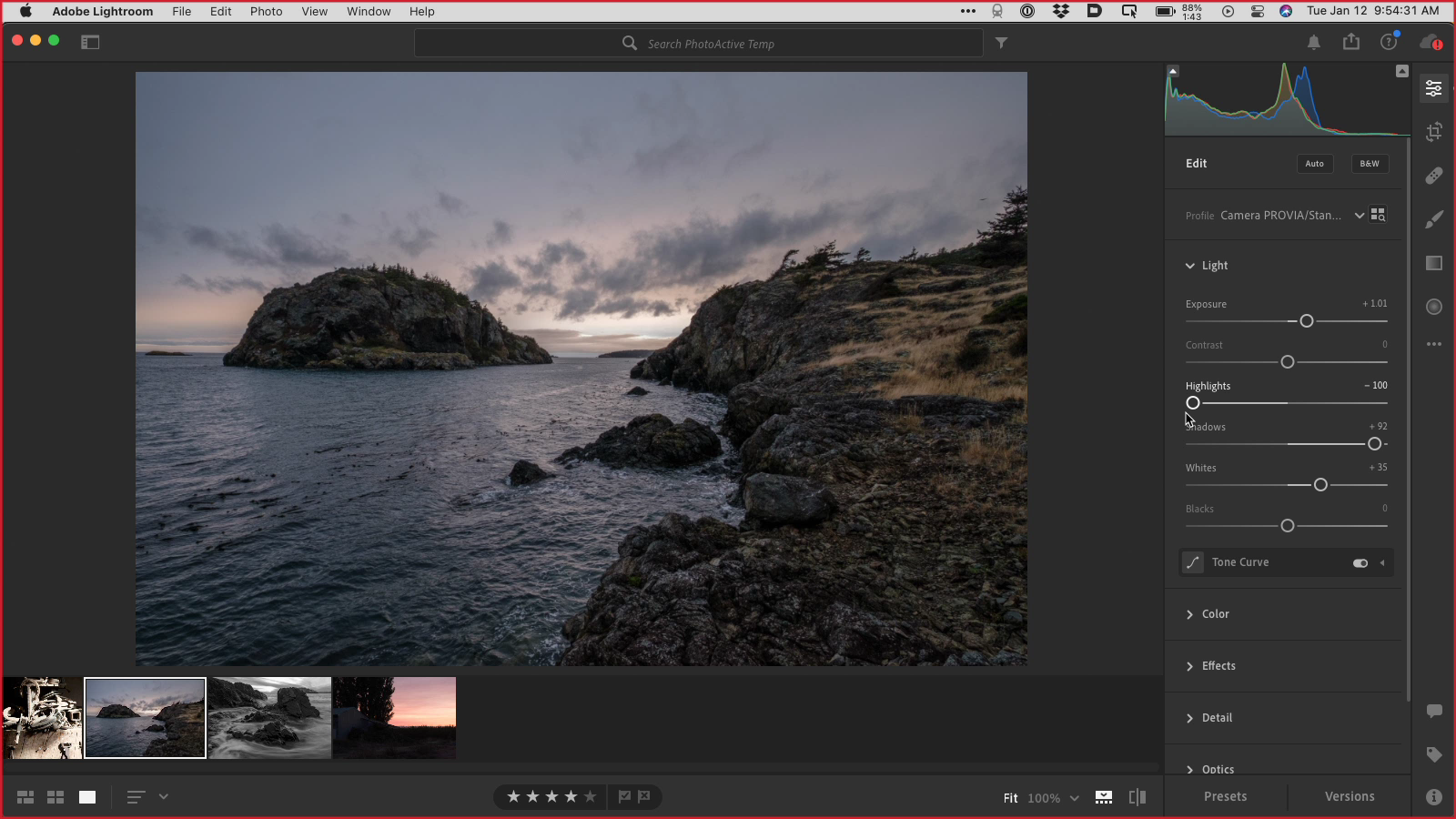
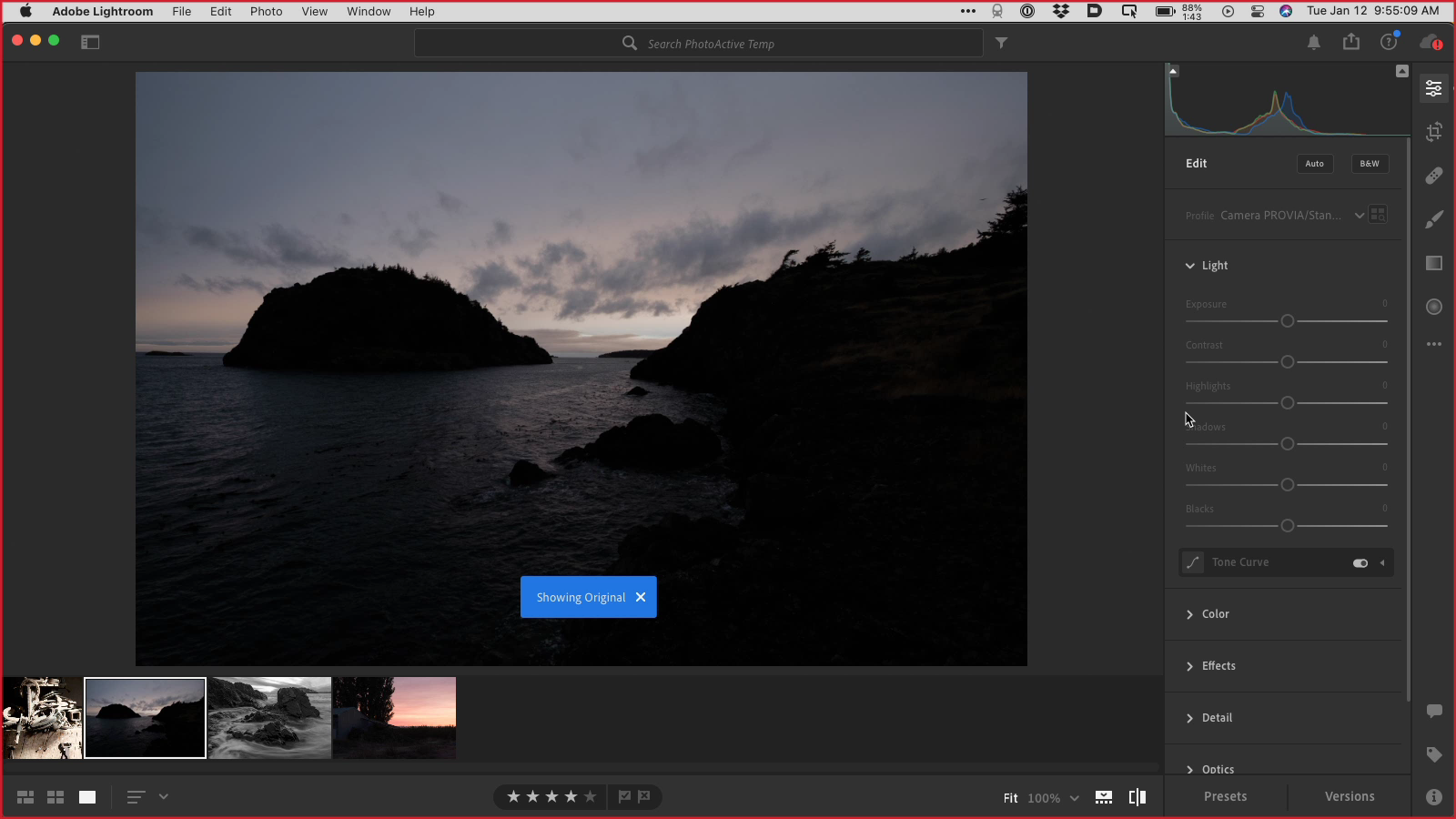
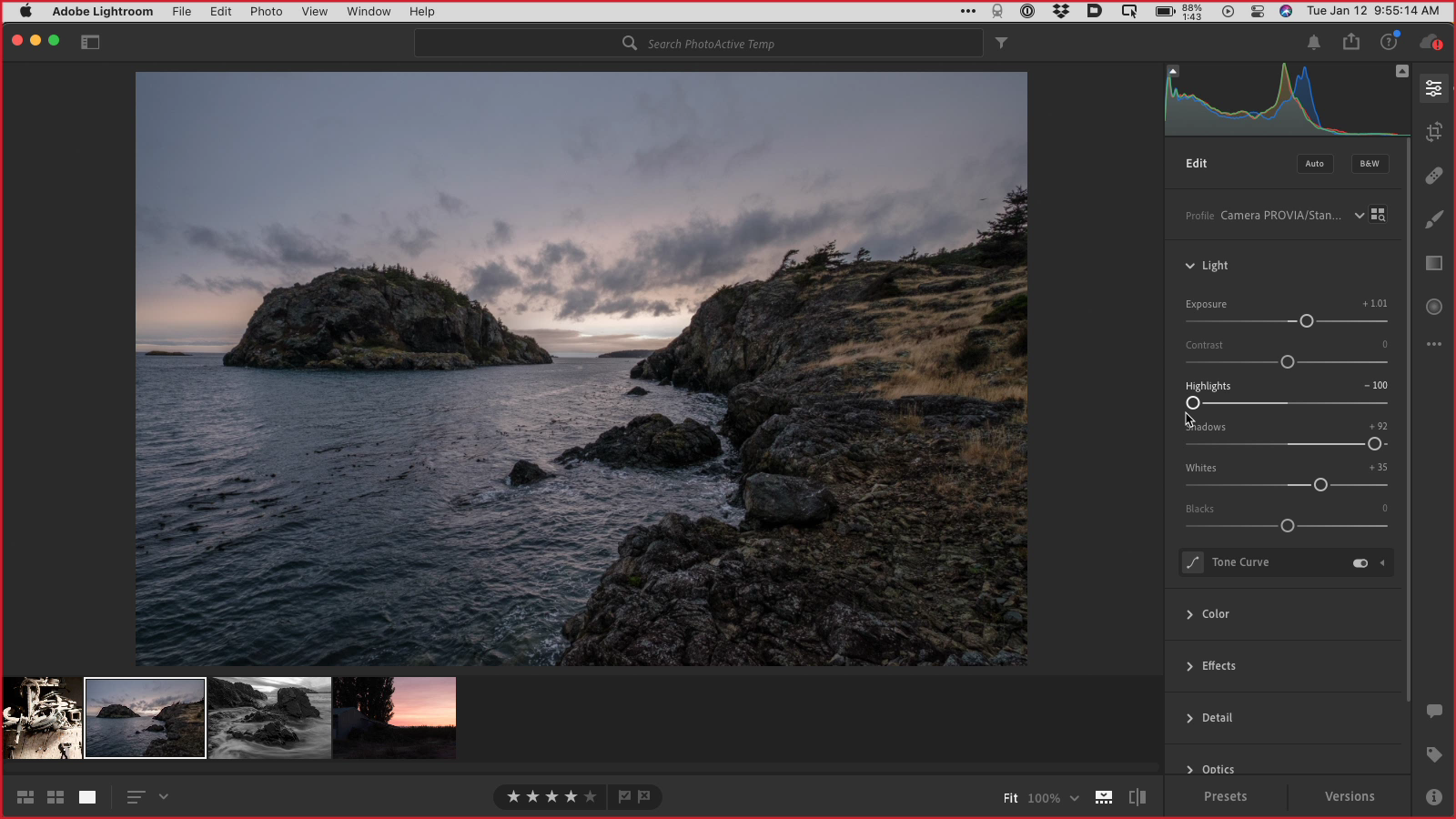
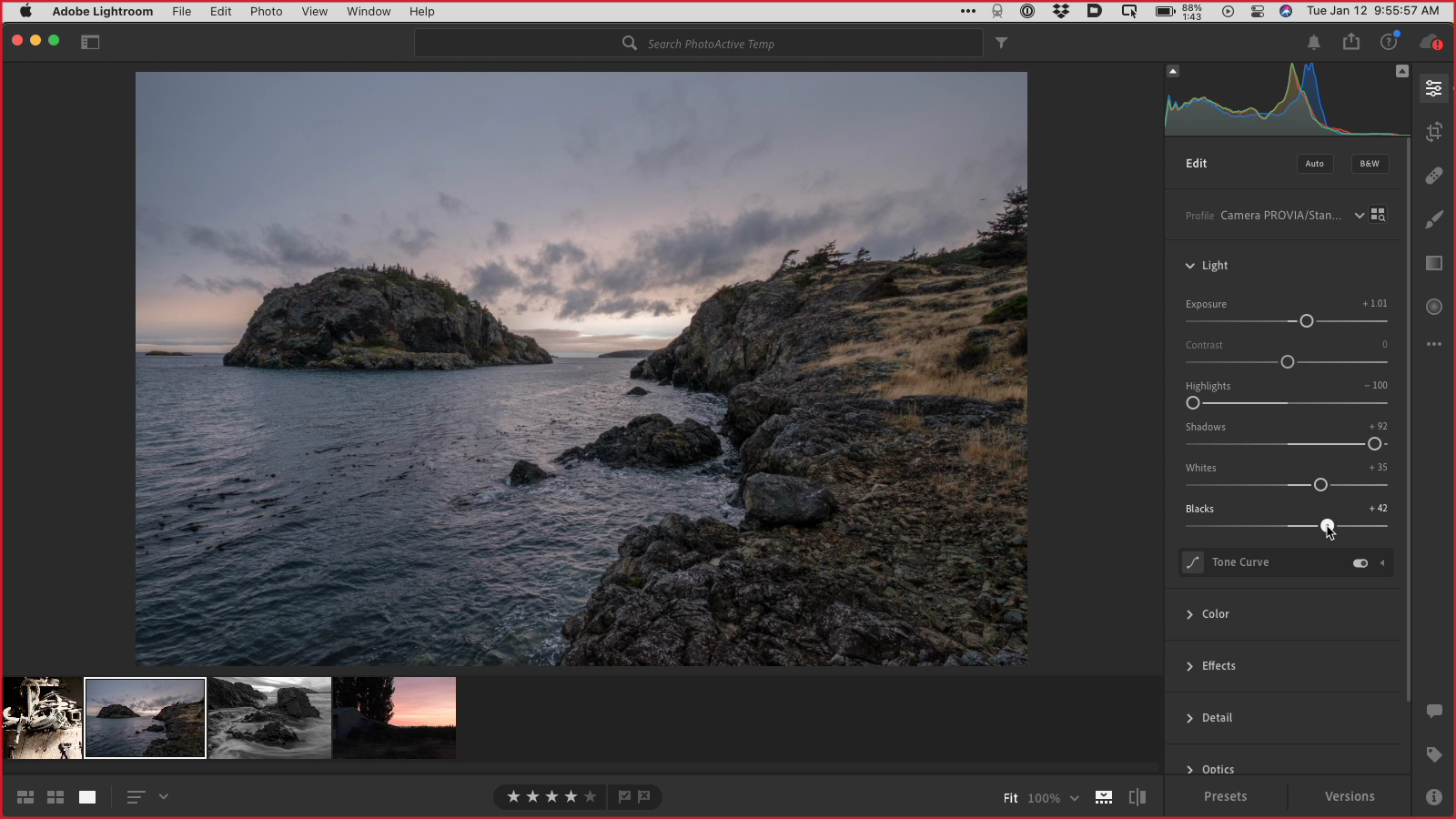
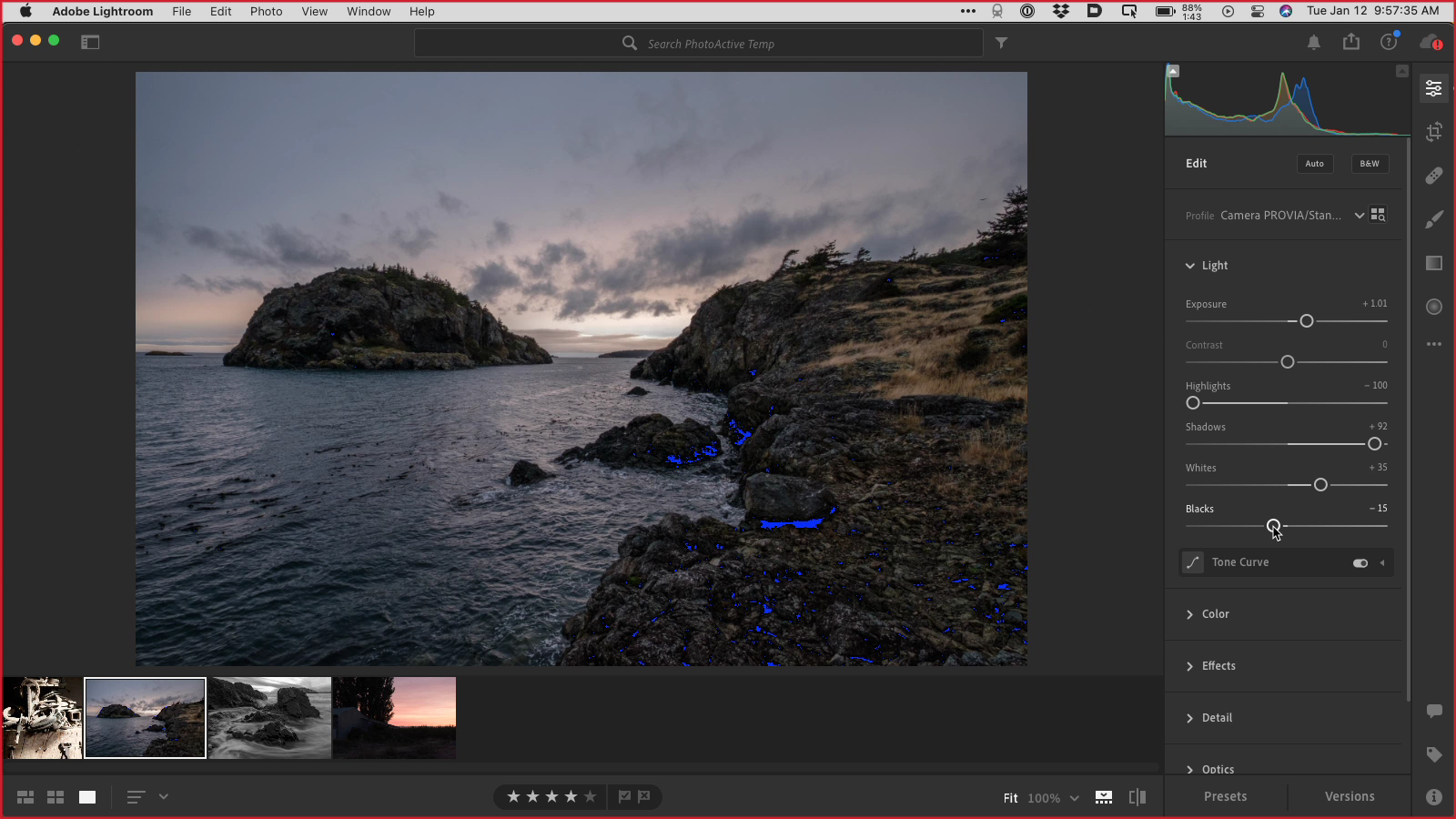
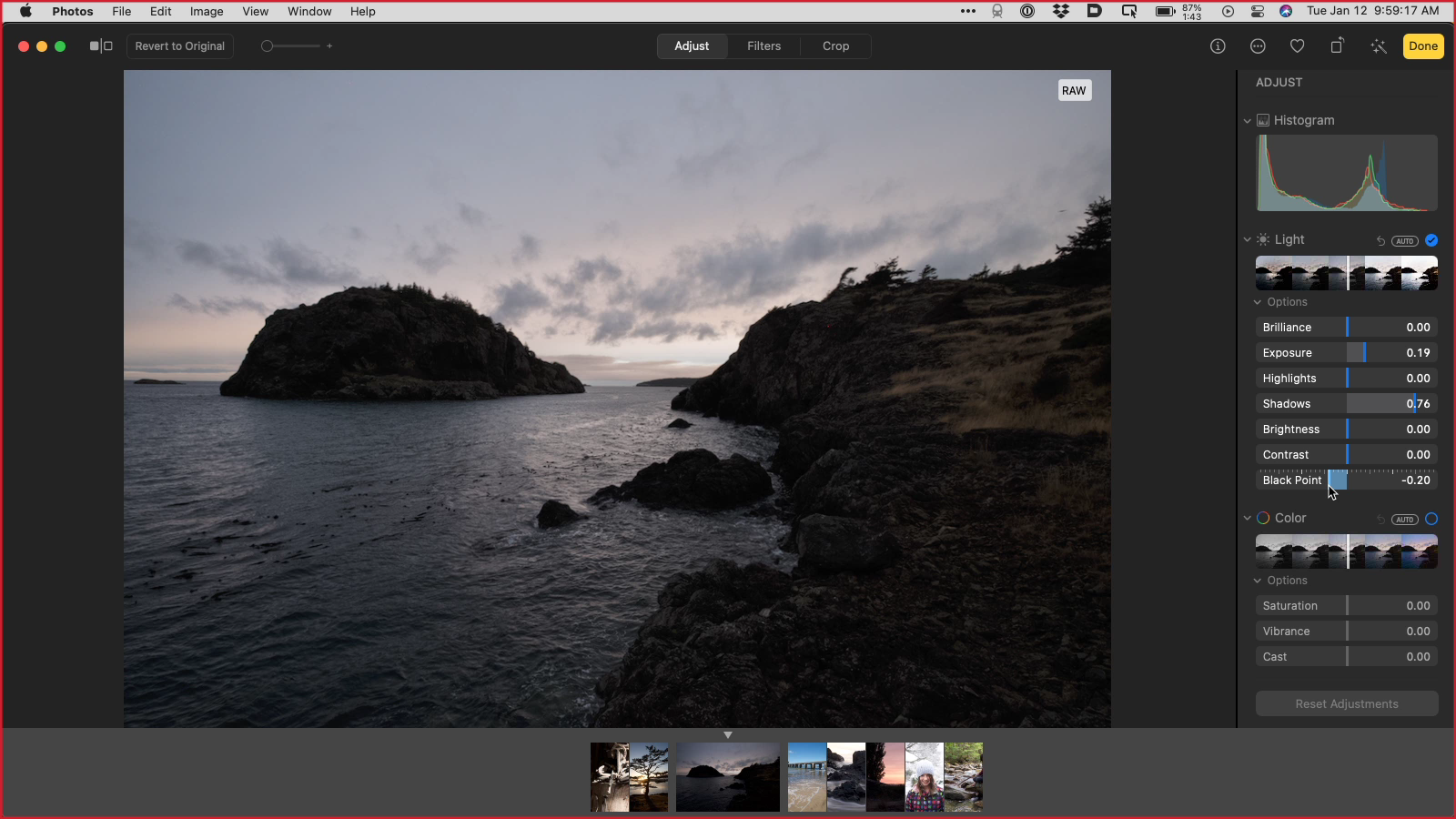
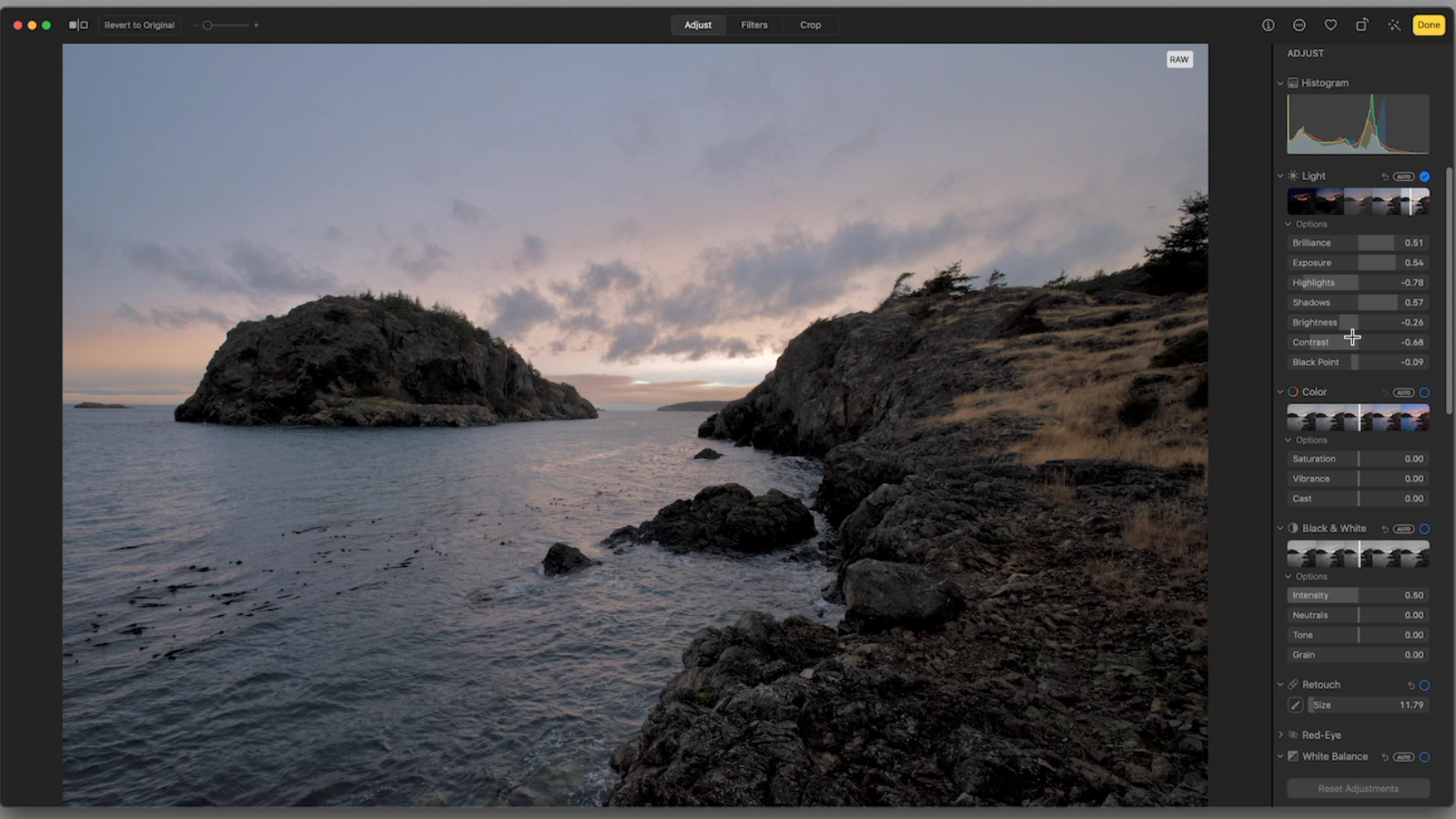
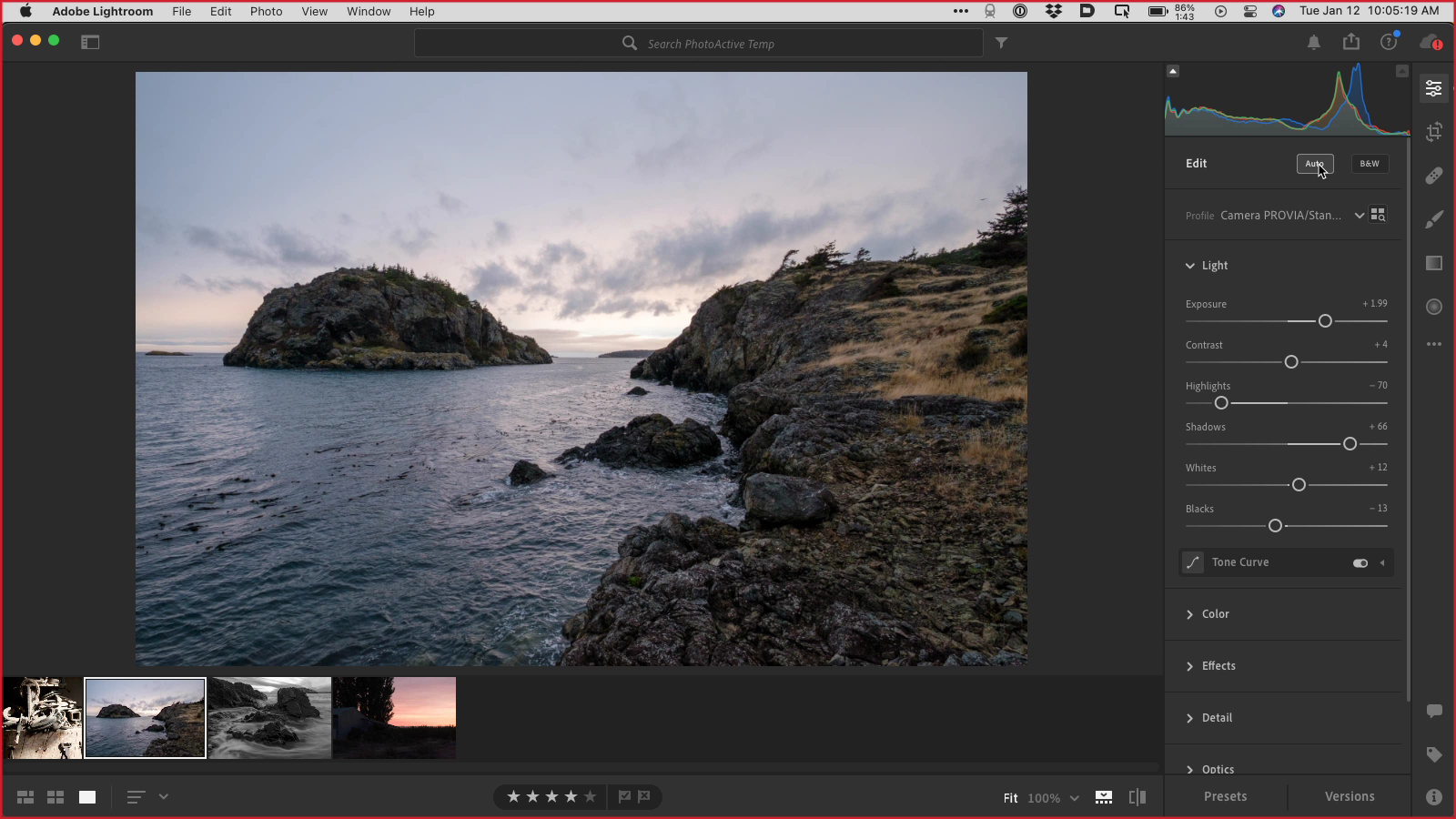
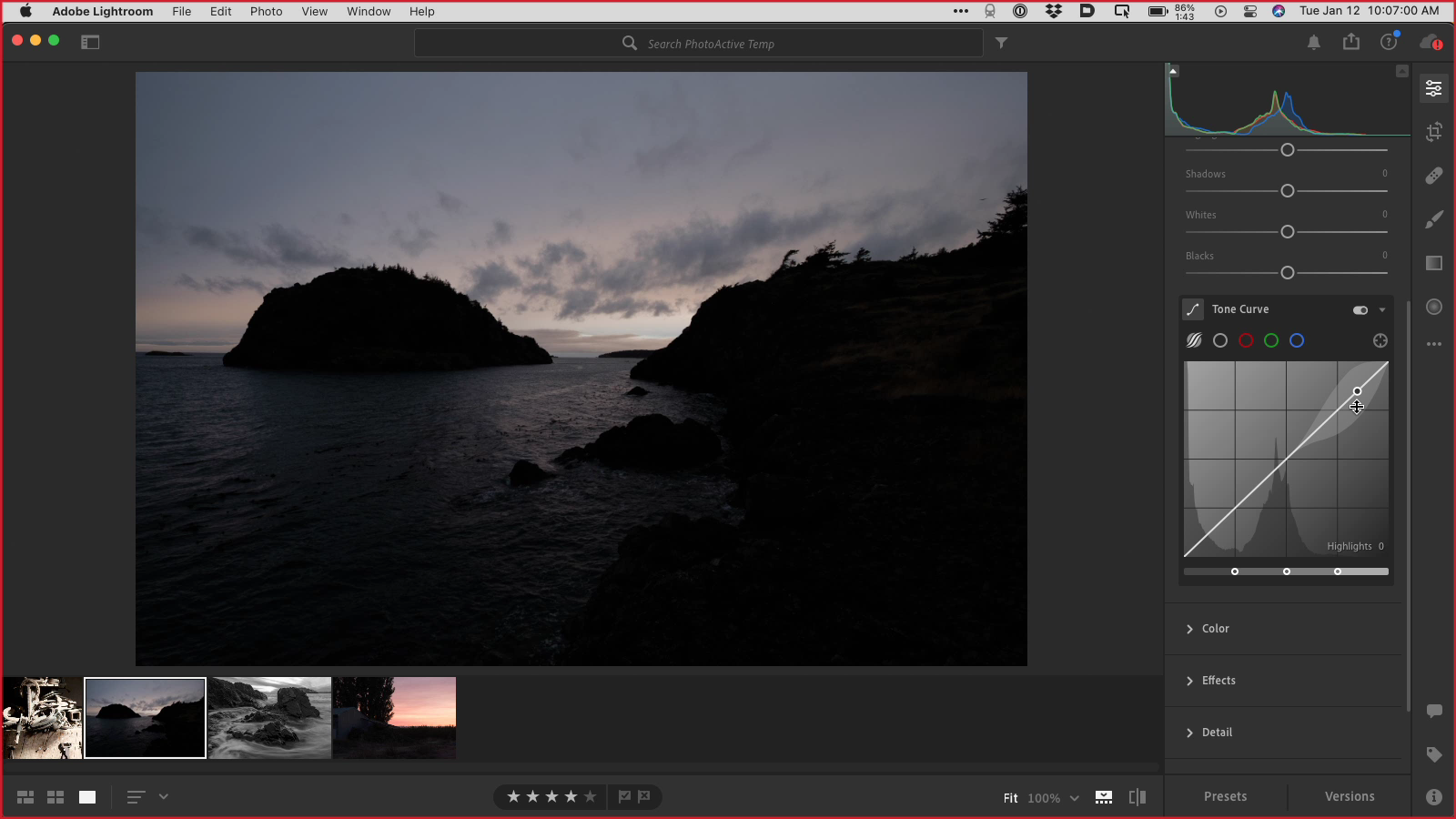
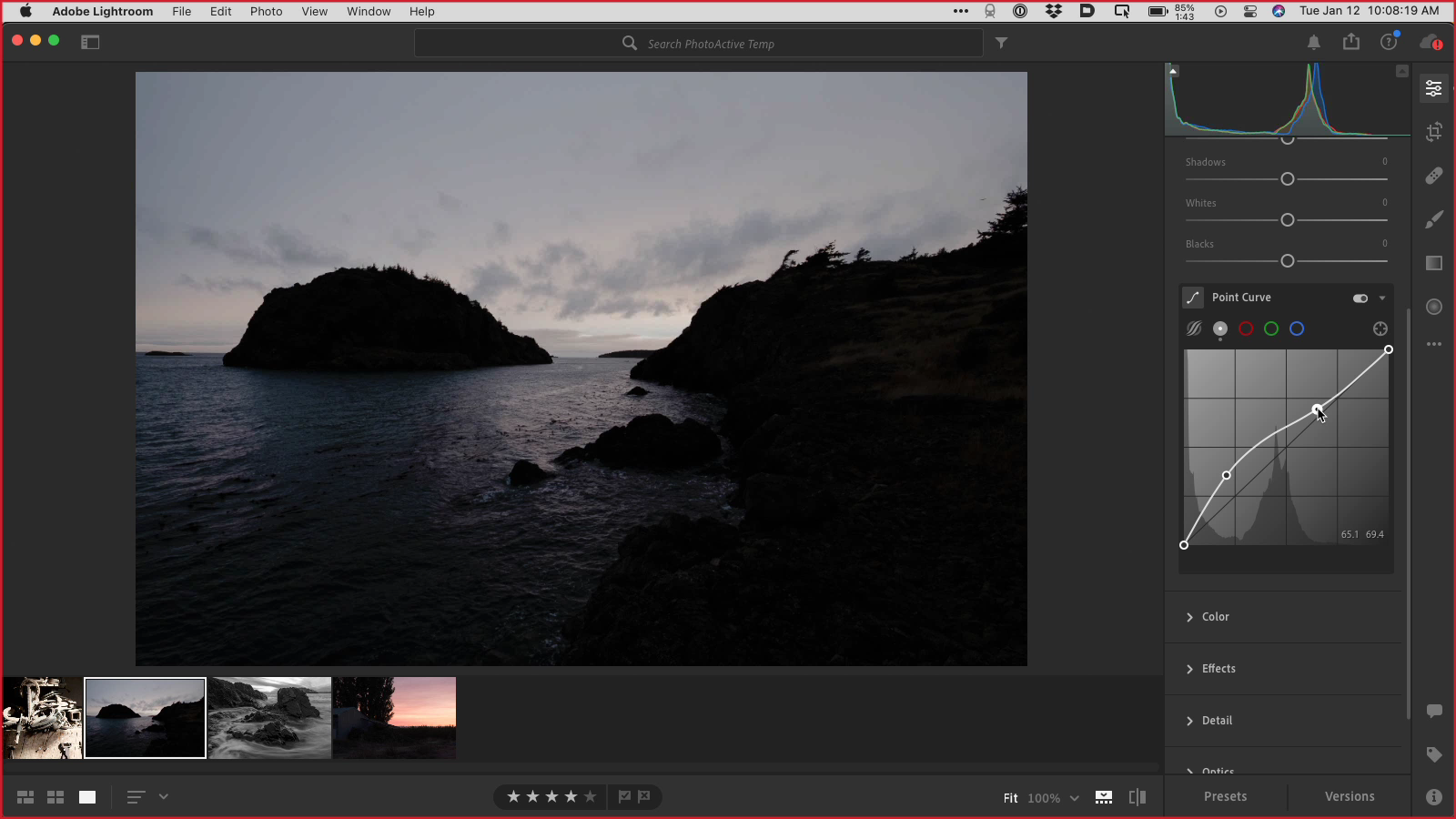
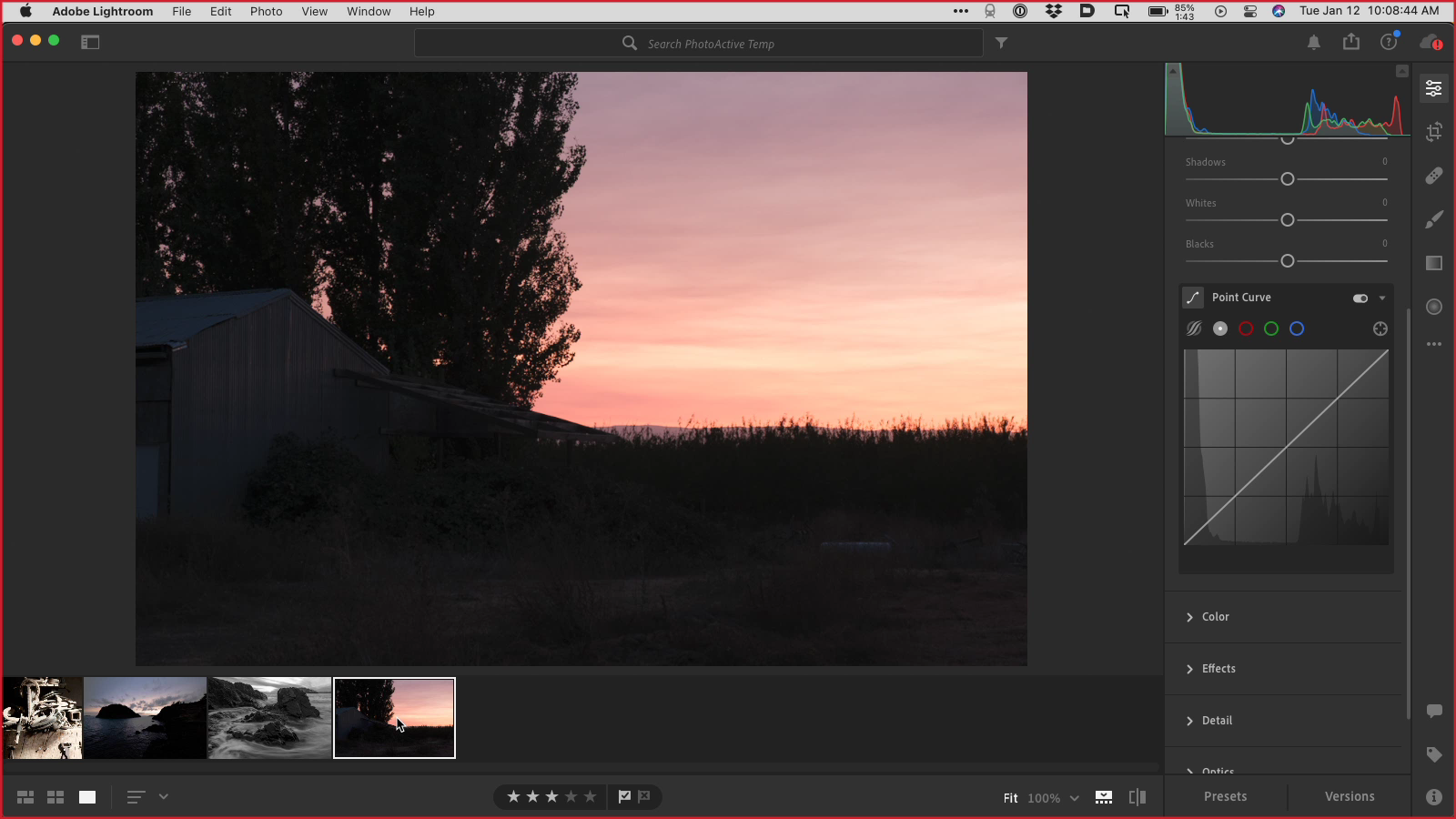
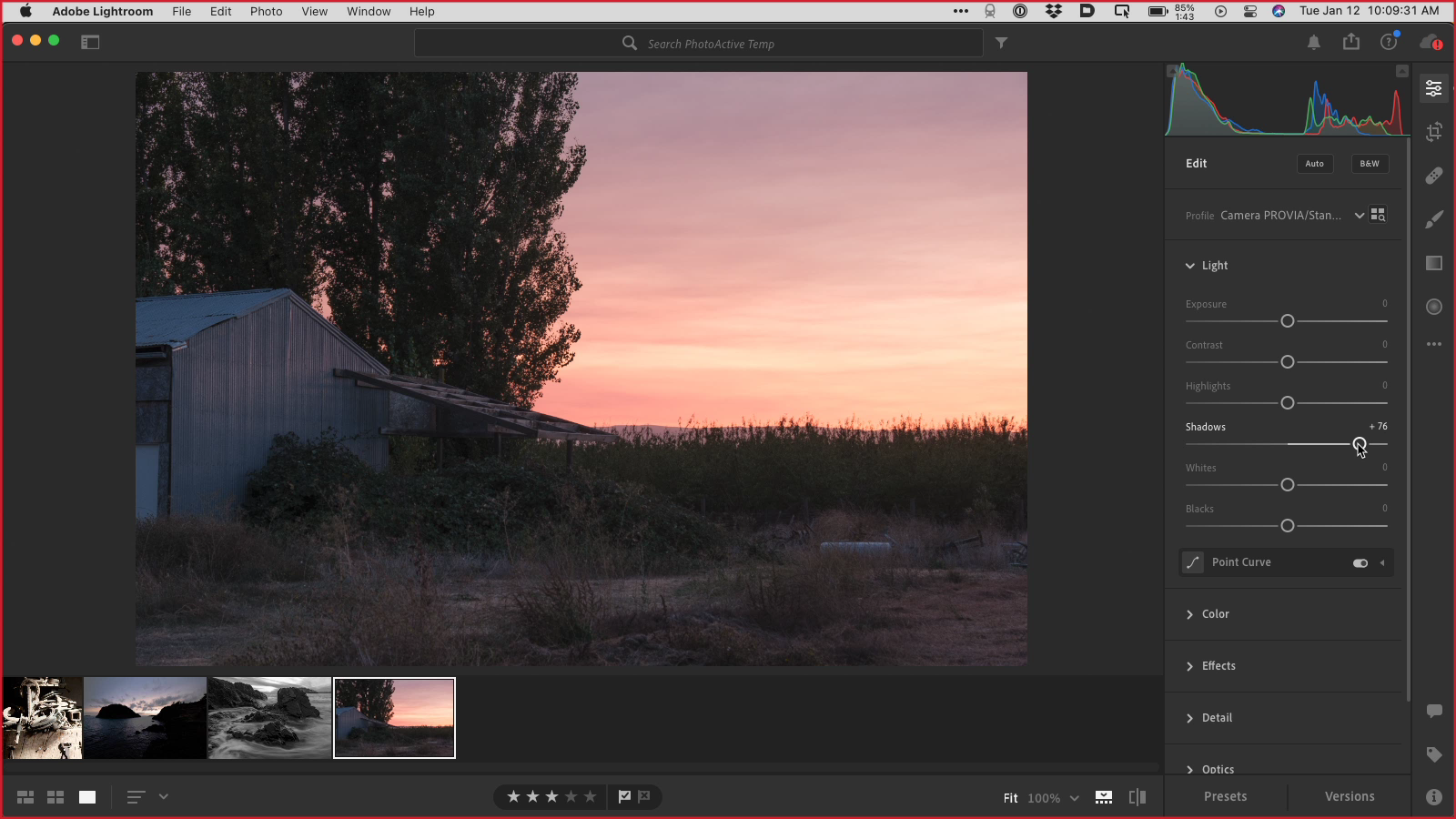
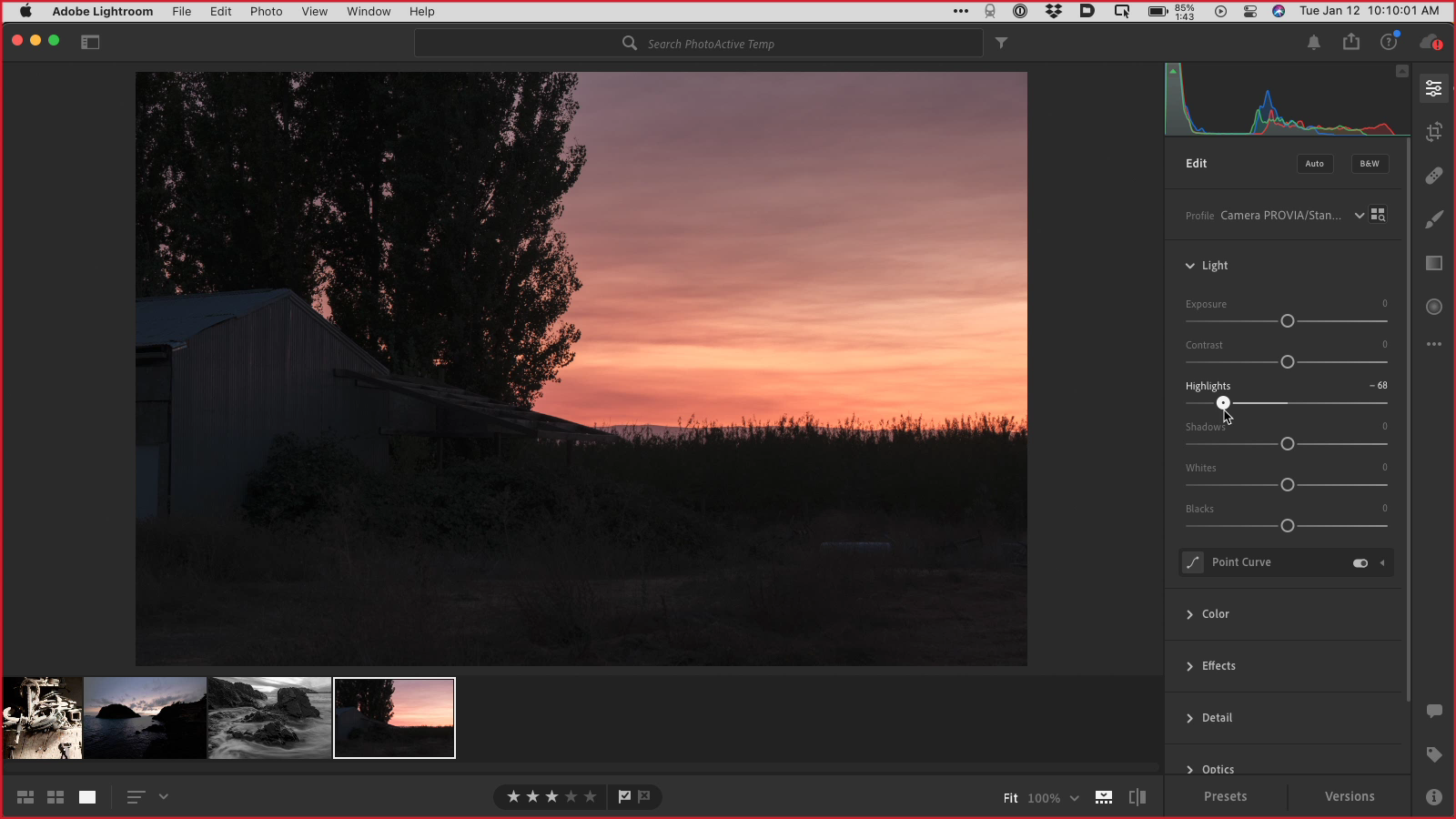
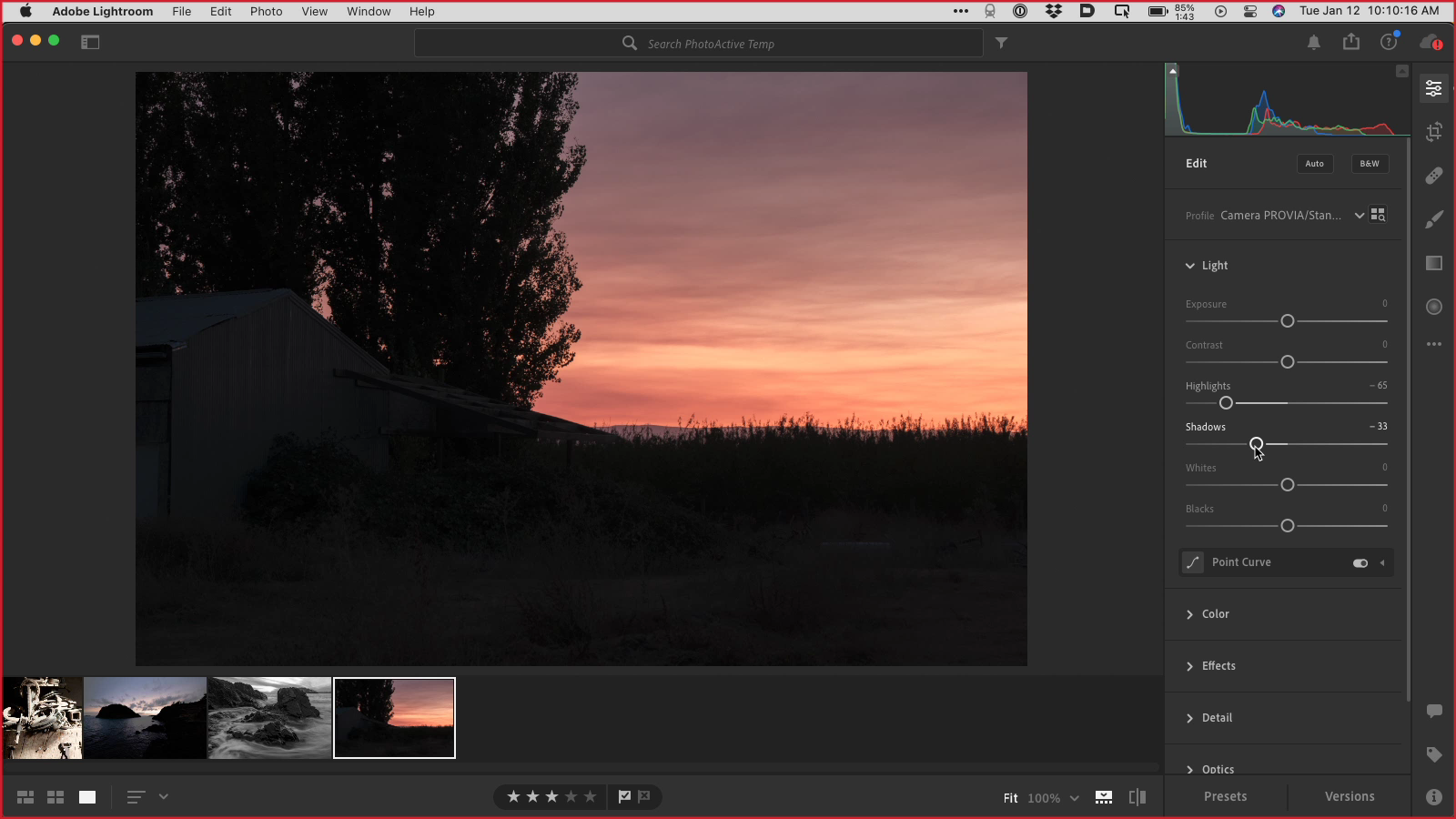
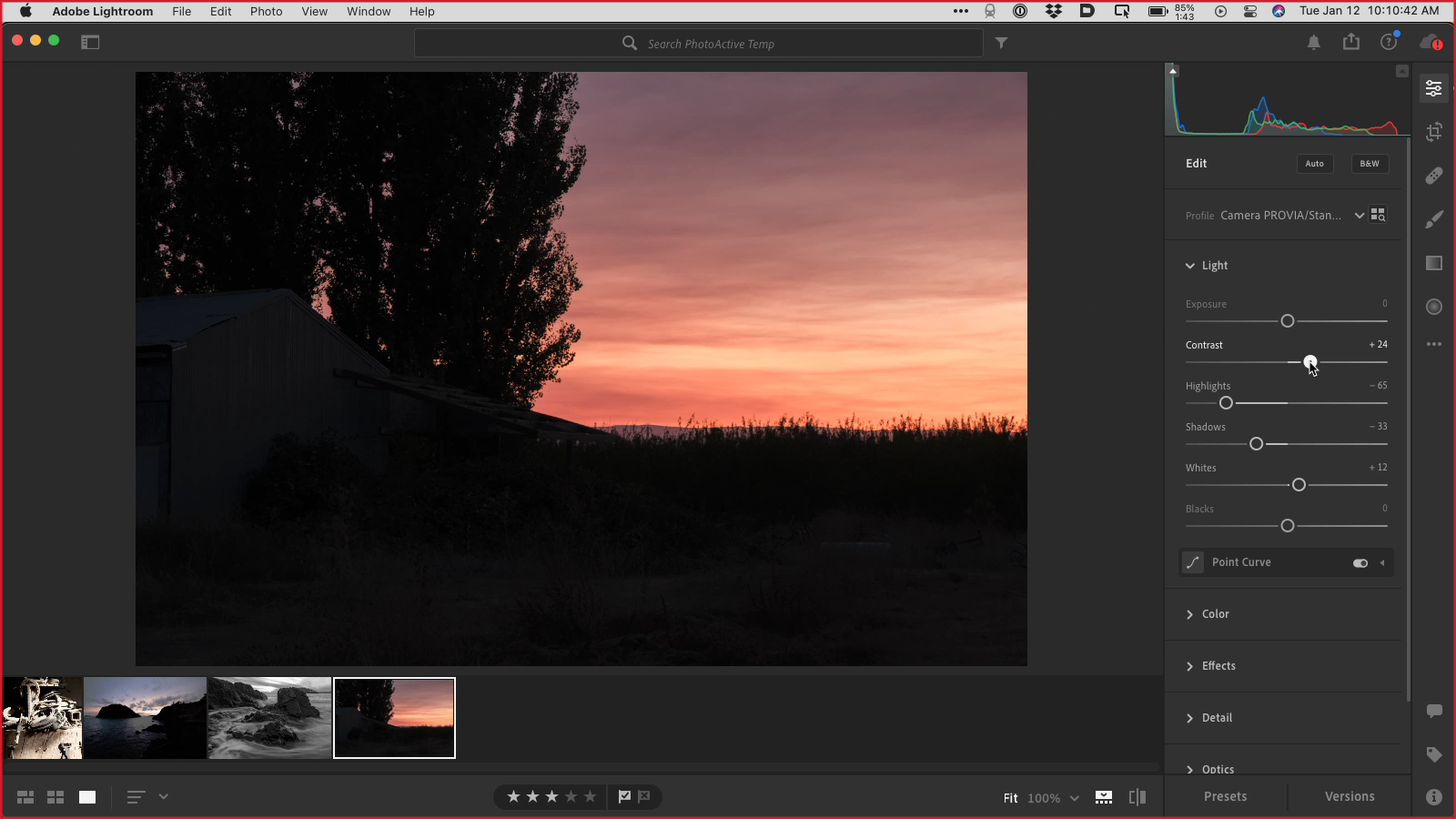
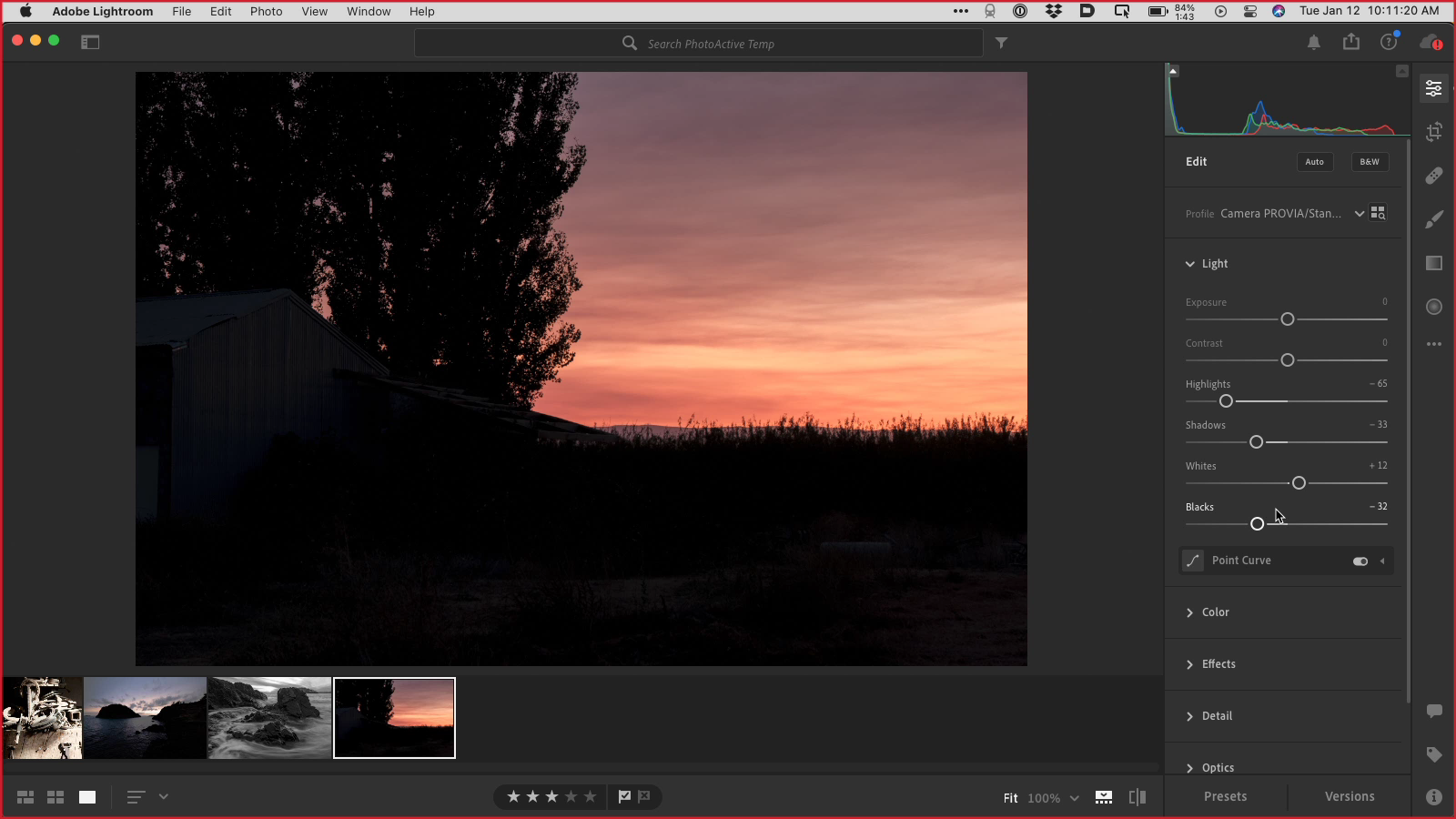
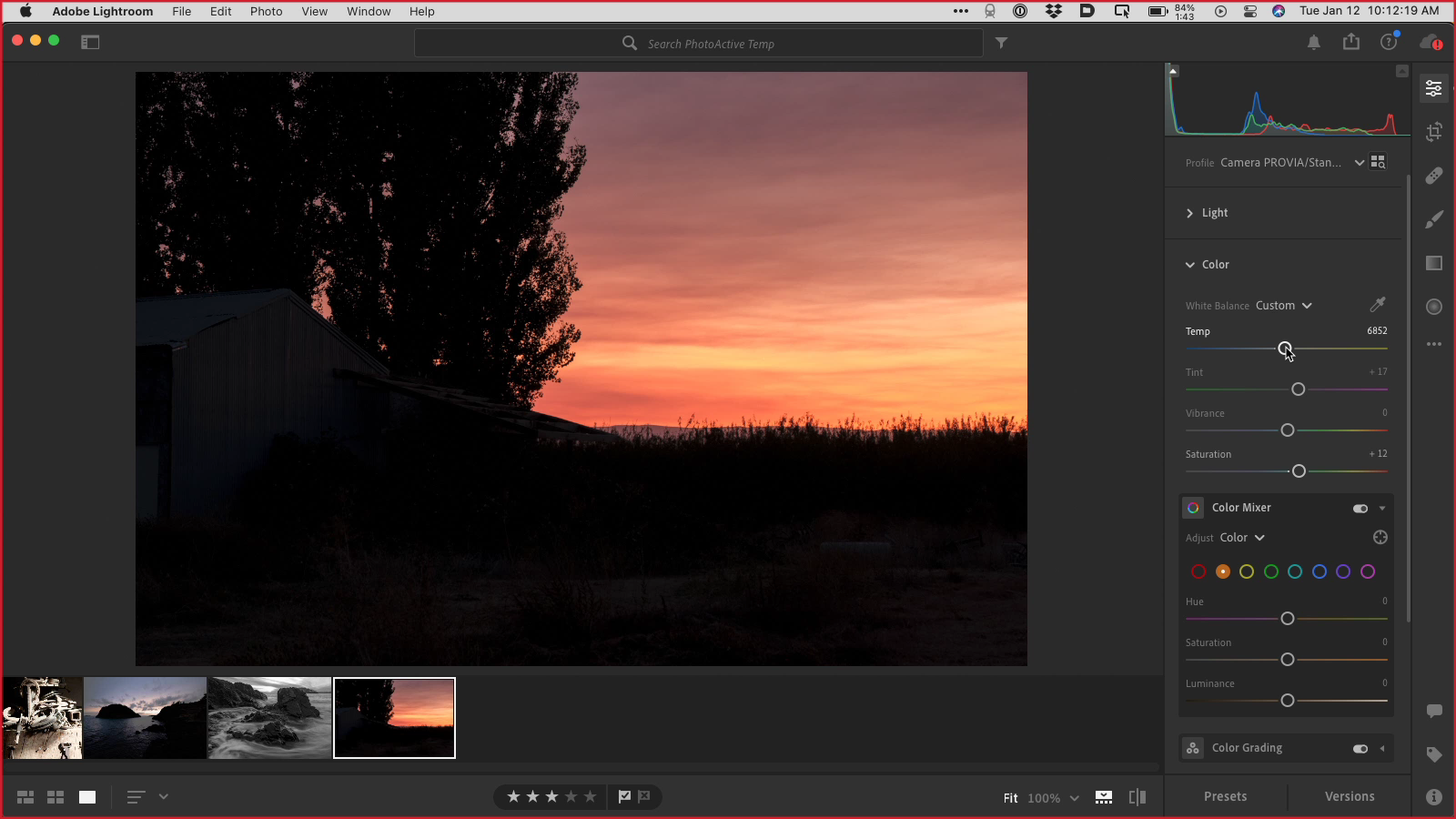
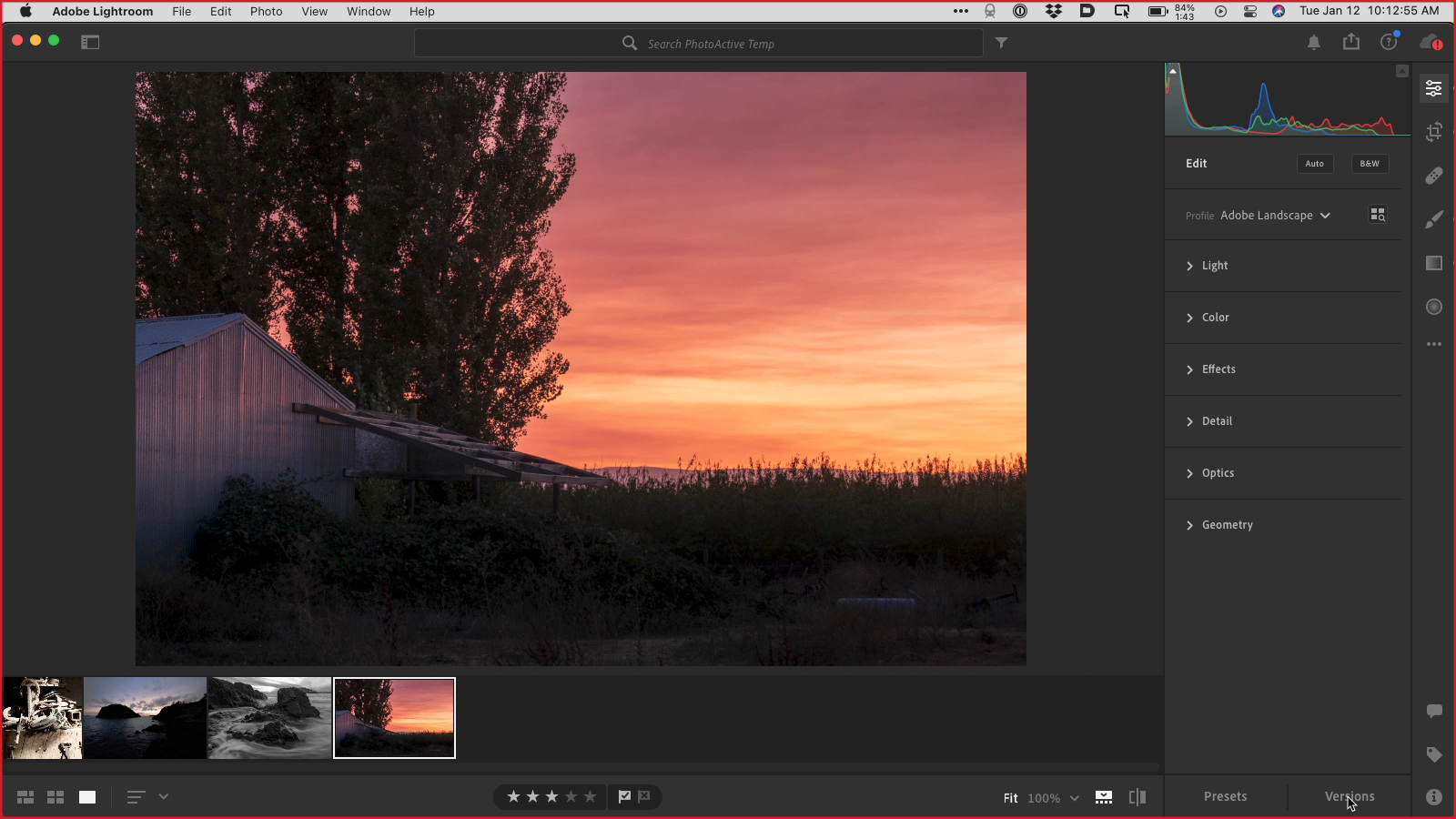
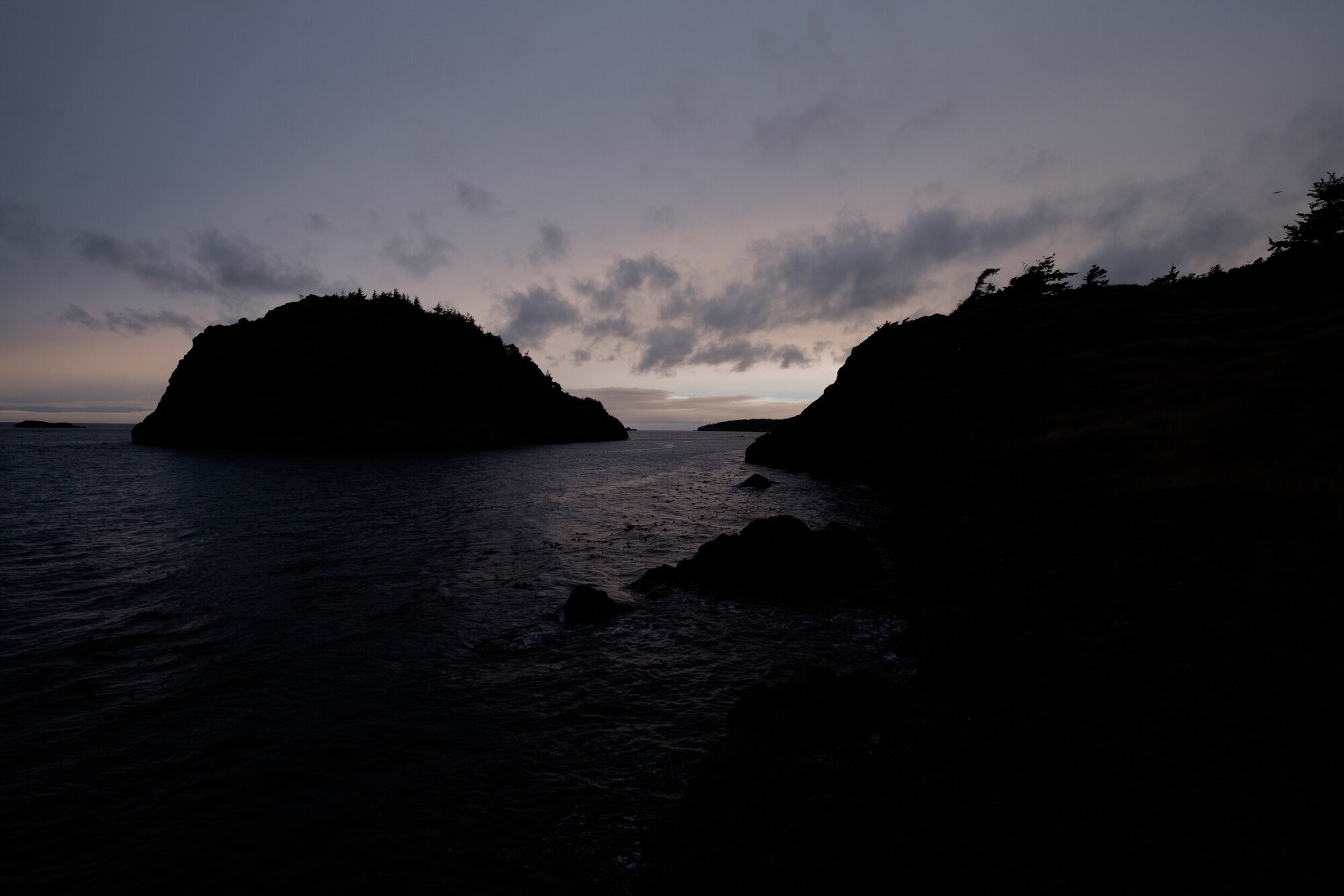
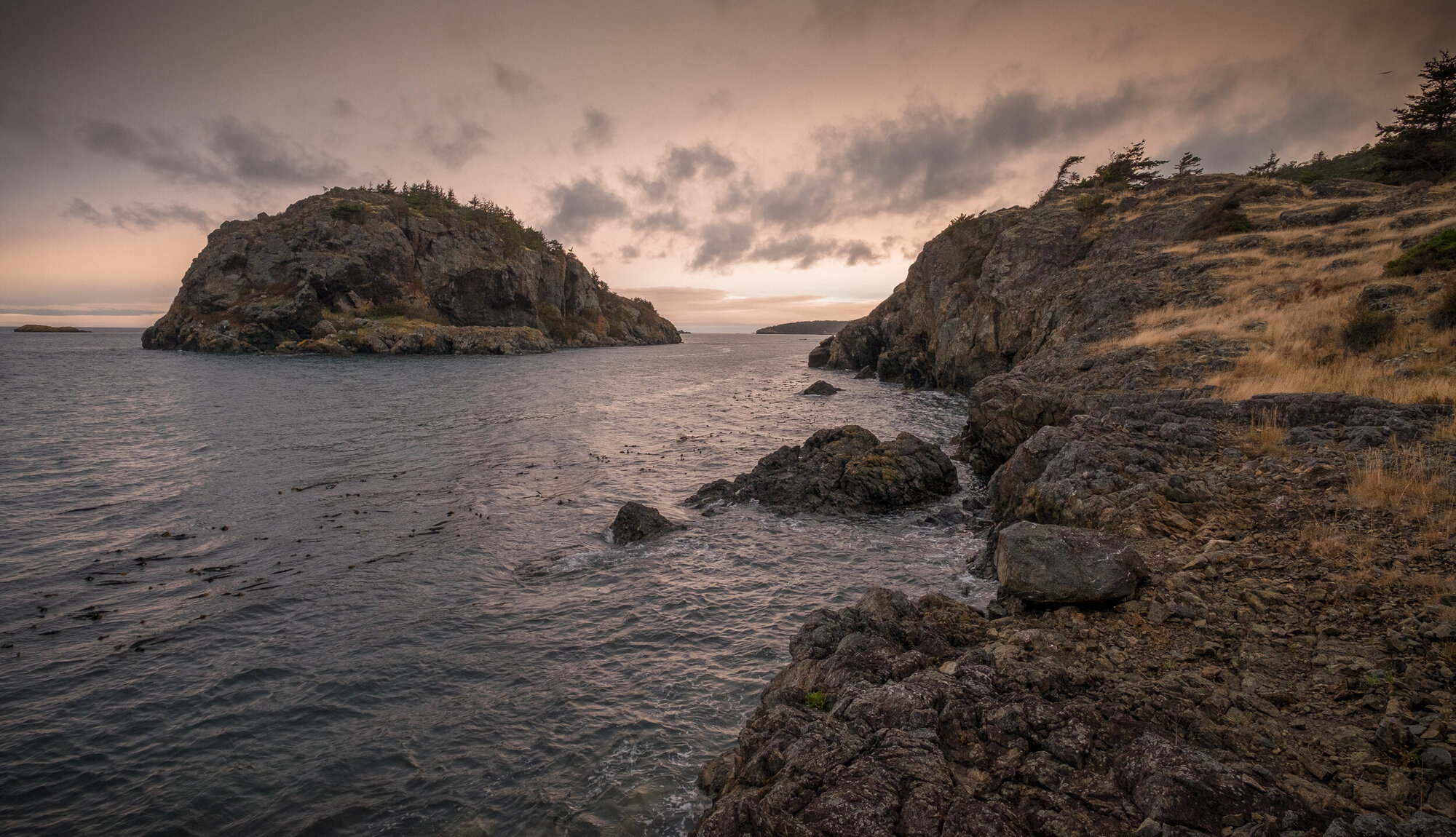
We often talk about "bringing up the shadows" and "recovering highlights" when editing photos, particularly with raw files. But what does that mean exactly? This week, we walk through some edits to show just how that's done. This episode is available as audio with embedded images, and also as a video—go to photoactive.co and get the video link in the show notes.
Hosts:
- Jeff's website, Jeff's photos, Jeff on Instagram
- Kirk's website, Kirk's photos, Kirk on Instagram
- Subscribe to the PhotoActive Instagram account
Show Notes:
(View show notes with images at PhotoActive.co)
Our Snapshots:
- Jeff: Sea and Smoke: Flavors from the Untamed Pacific Northwest
- Kirk: 25 best movies about real photographers
Subscribe to the PhotoActive podcast newsletter at the bottom of any page at the PhotoActive web site to be notified of new episodes and be eligible for occasional giveaways. If you’ve already subscribed, you’re automatically entered.
If you like the show, please subscribe in iTunes/Apple Podcasts or your favorite podcast app, and please rate the podcast. And don't forget to join the PhotoActive Facebook group to discuss the podcast, share your photos, and more.
Disclosure: Sometimes we use affiliate links for products, in which we receive small commissions to help support PhotoActive.